Food photos
Food photos that make people hungry.
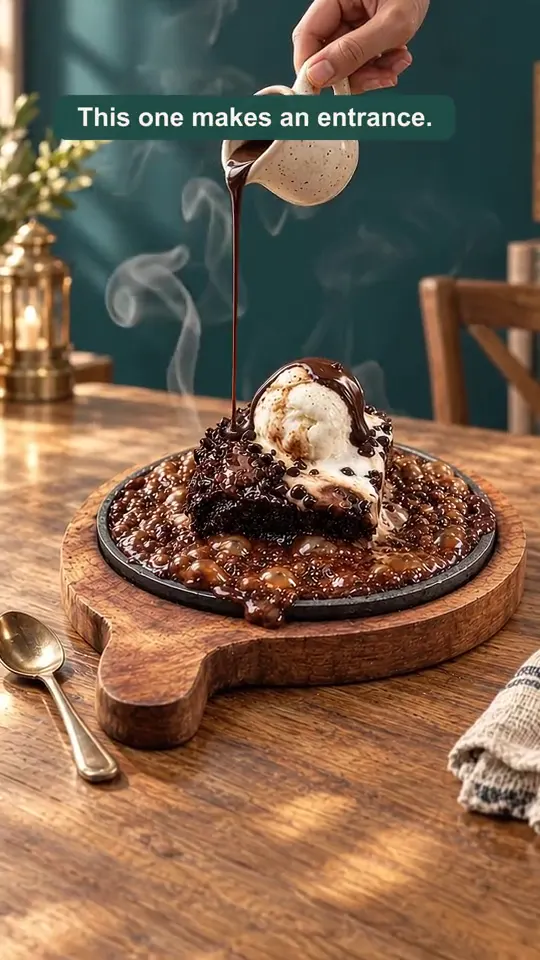
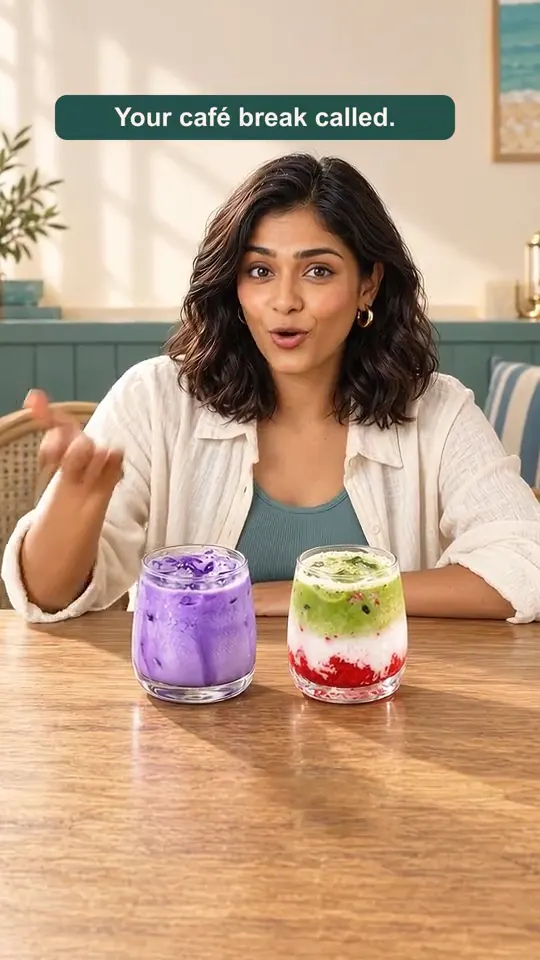
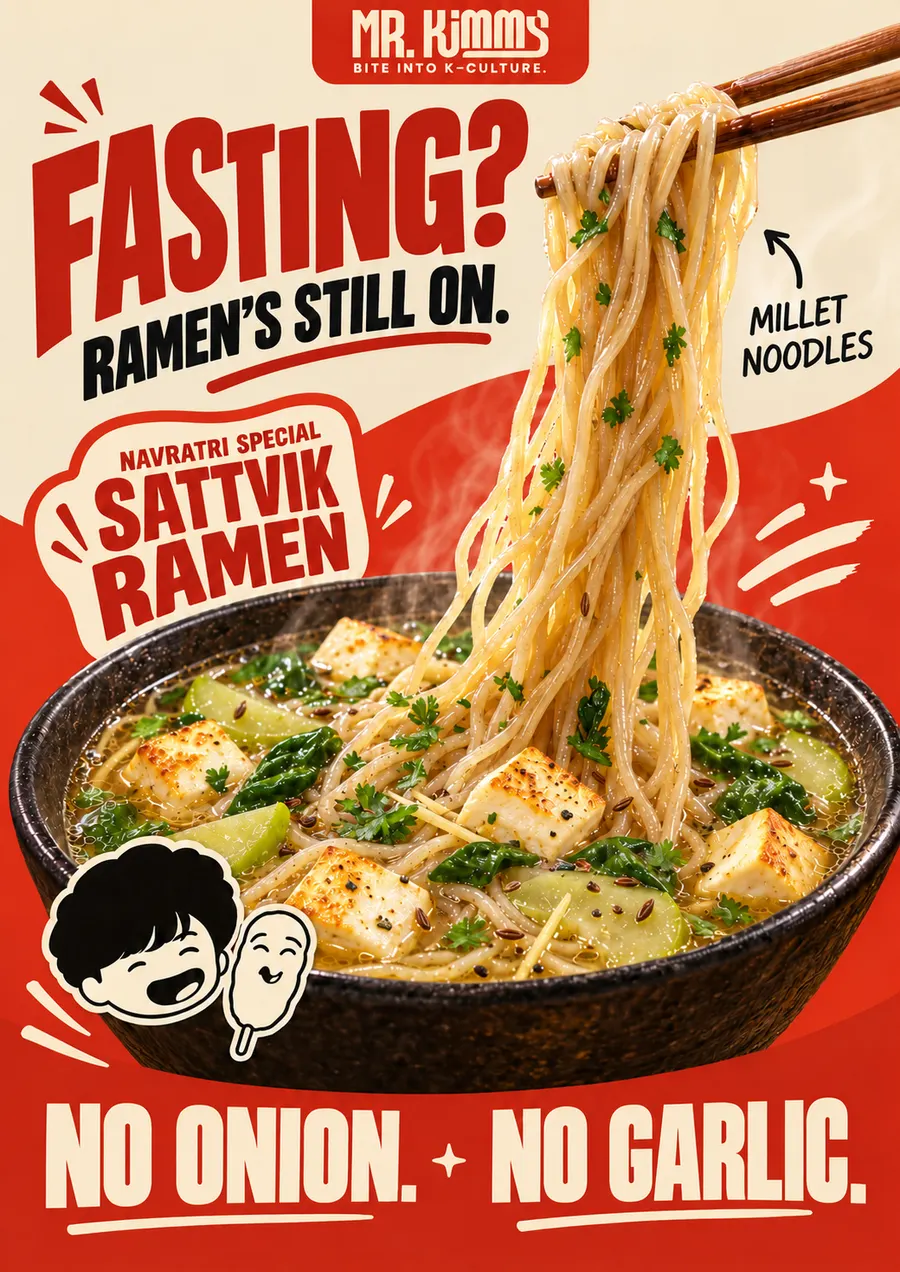
Gloo creates clean, studio-style food images for menus, delivery listings and social posts, from a prompt or from a photo of your real dish. Use them as square social posts, menu cards and product shots. Images are created in Gloo AI Studio; for Zomato and Swiggy sizes, Gloo also has dedicated free tools.
Creation opens in Gloo AI Studio.
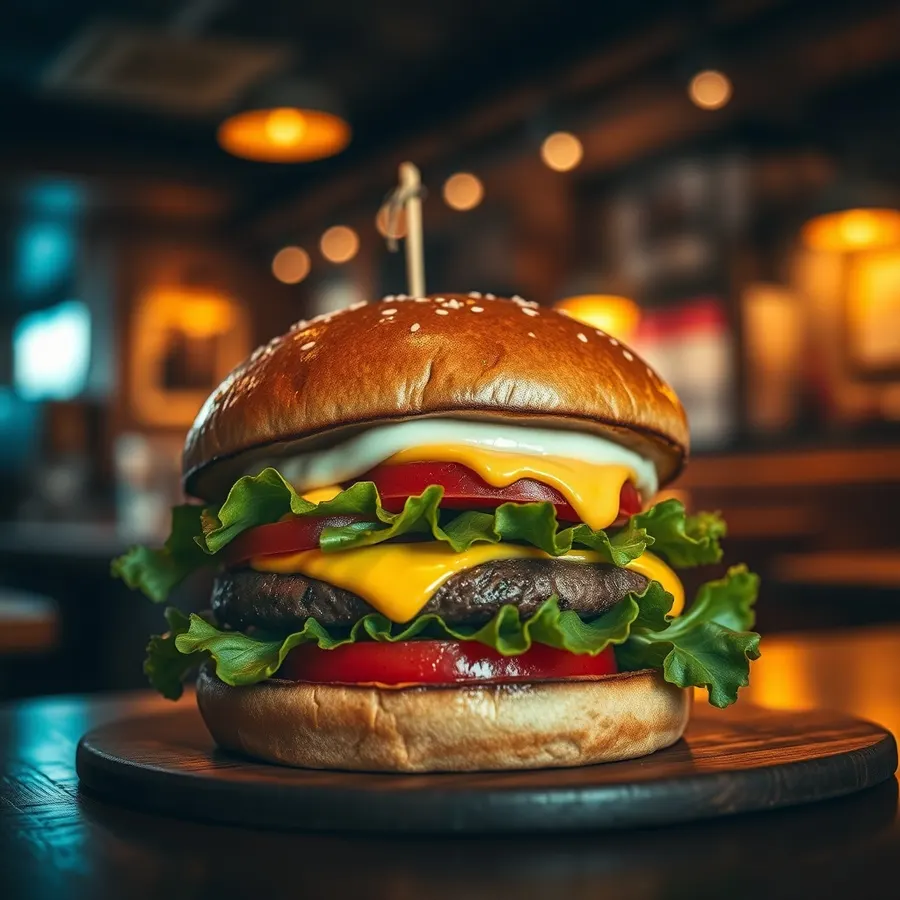
Real examples
Made for real businesses.
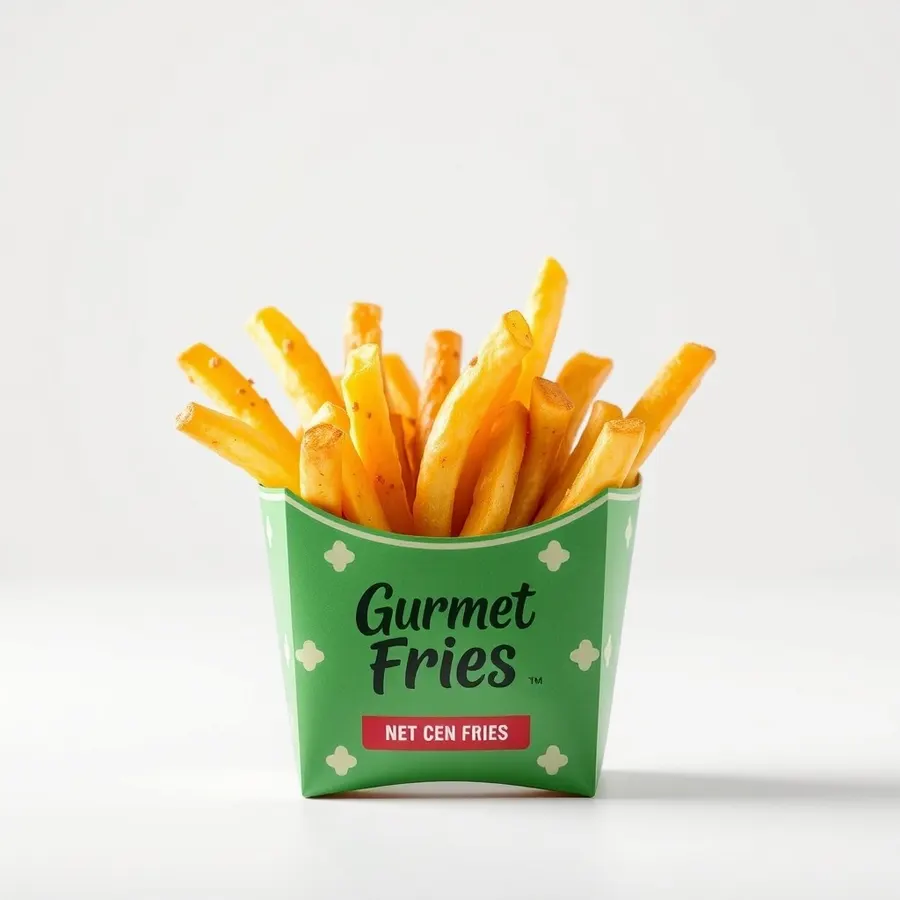
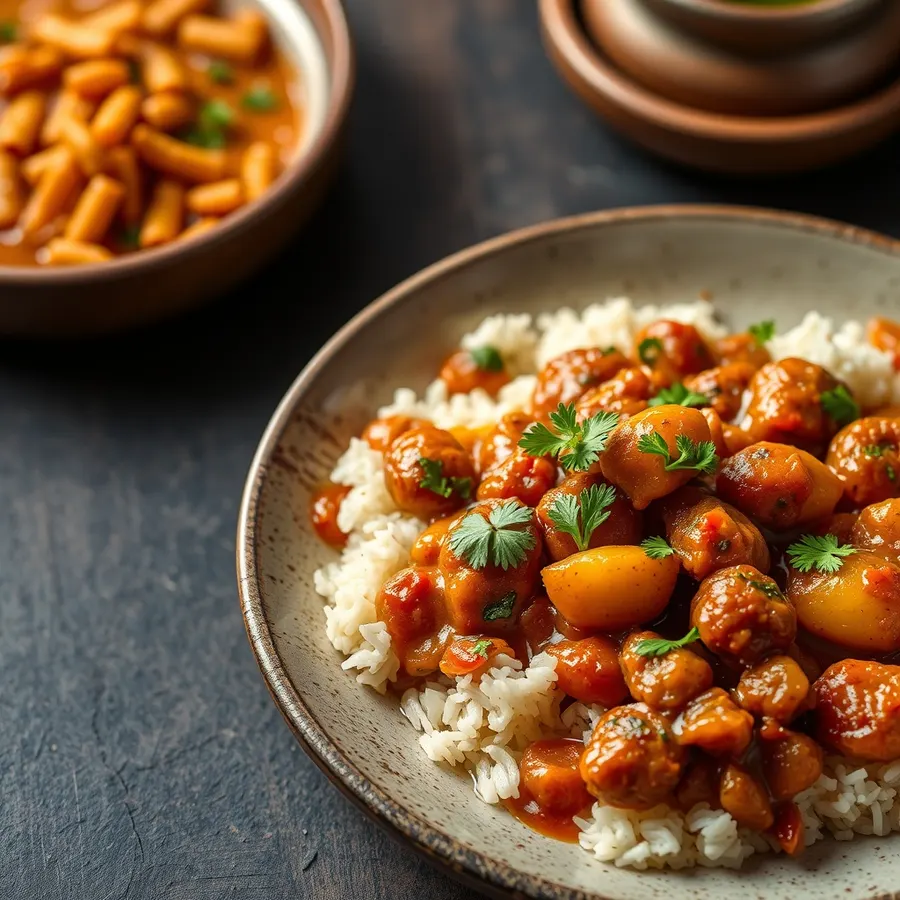
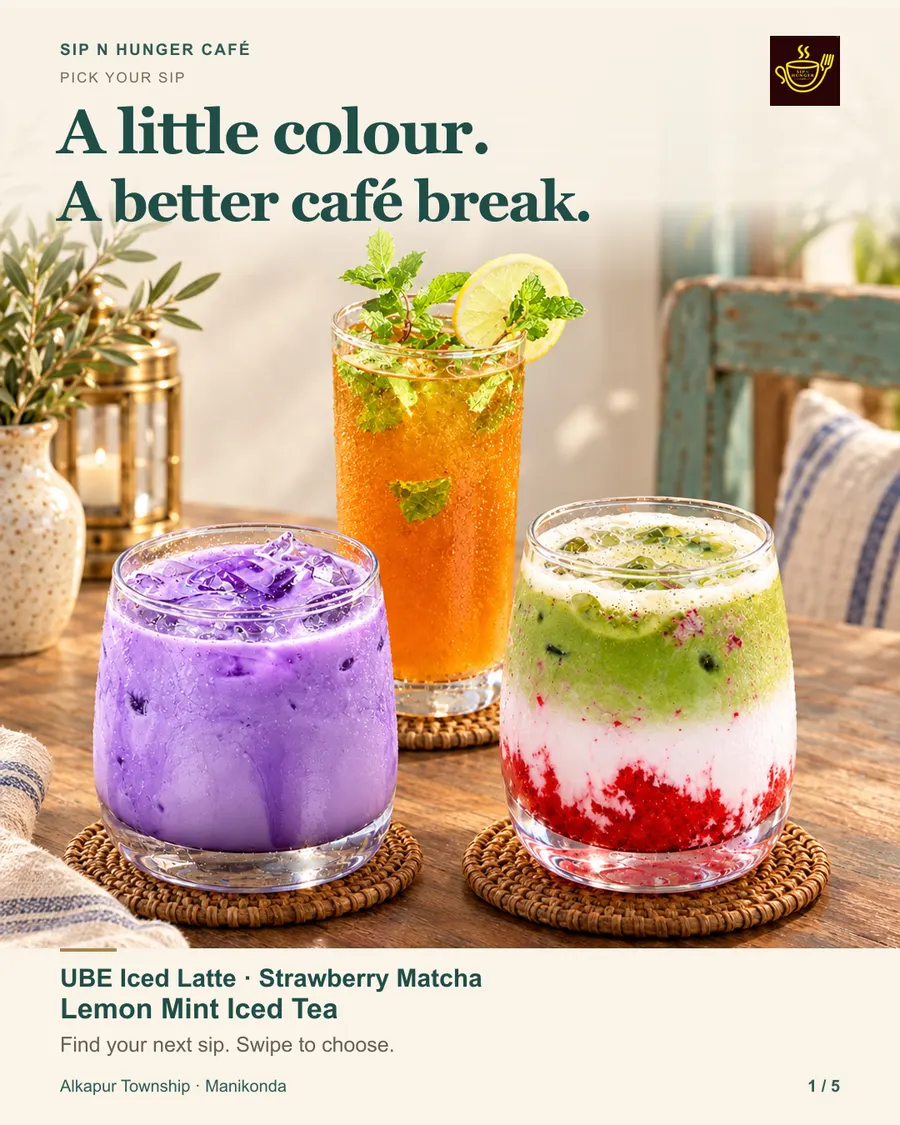
Each example says whether it was made in Gloo AI Studio or by the Gloo team. Tap one for details.
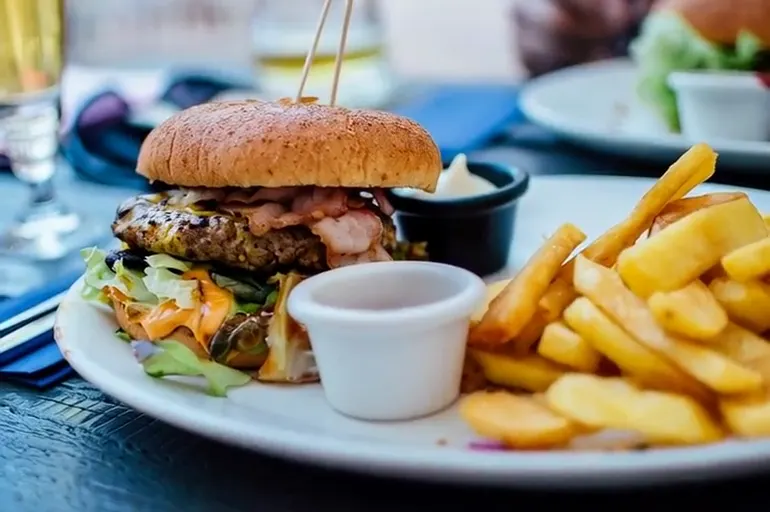
What you get
- Clean, appetising images of your dishes for menus, delivery apps and social posts
- Studio backgrounds, styled tables or close-up hero shots
- Square and vertical sizes, plus free Zomato and Swiggy tools for platform sizes
- Images you can later turn into reels and animated posters
Who it's for
- Restaurants
- Give every menu item a consistent hero image across the menu, delivery listings and social posts.
- Cloud kitchens
- Refresh delivery-app listings with clearer, better-lit dish images.
- Cafés
- Show drinks and desserts on a clean background for menu boards and posts.
- Caterers
- Build a picture menu for event packages without a full photo shoot.
How it works
Three steps. That's it.
Start from your dish
Upload a photo of the real dish, or describe it in a few words.
Pick the look
Clean studio background, a styled table, or a close-up hero shot.
Use it everywhere
Menu cards, delivery listings, social posts and the start of your next reel.
Good to know
- Show the dish you actually serve, at the portion you serve it. Customers notice.
- Square works for feeds and most menus; 9:16 for Stories and Reels.
- One hero image per dish keeps your menu, delivery listings and social feed consistent.
Free Gloo tools for this:
Zomato menu food image generator Swiggy menu food image generator Zomato image resizer AI restaurant menu generatorQuestions
Before you start.
Yes, as long as they honestly represent the dish. Starting from a photo of your real dish is the safest way.
Gloo's free Zomato and Swiggy tools on glooclub.com create and resize images to each platform's requirements.
Yes. Any food image can become a short reel; see Food photo to reel.
It's faster and cheaper for everyday menu and social images. For a big launch or packaging, a real shoot is still worth it, and its photos can be used as references in Gloo.
Yes. A clear phone photo of the real dish is a good reference for a cleaner studio-style image.