Animated videos
That poster you already love? Make it move.
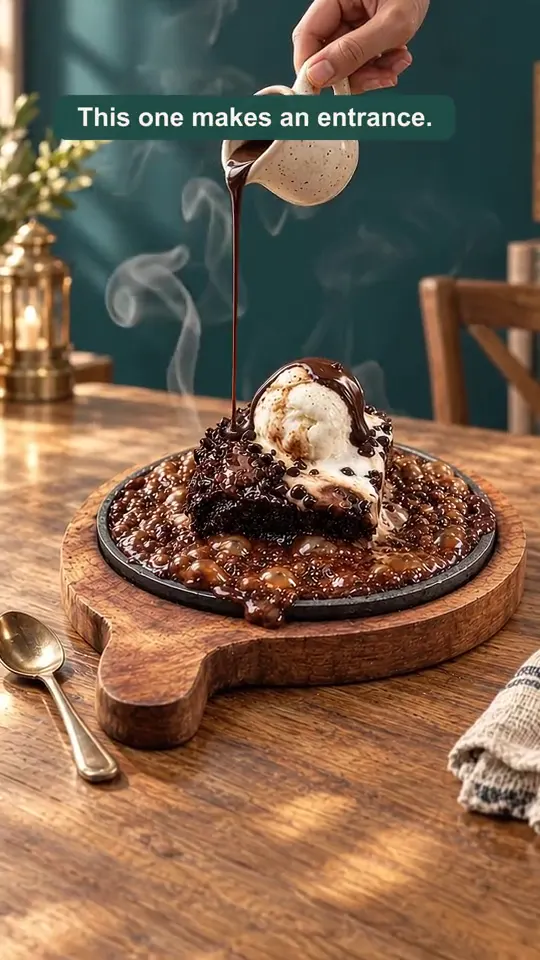
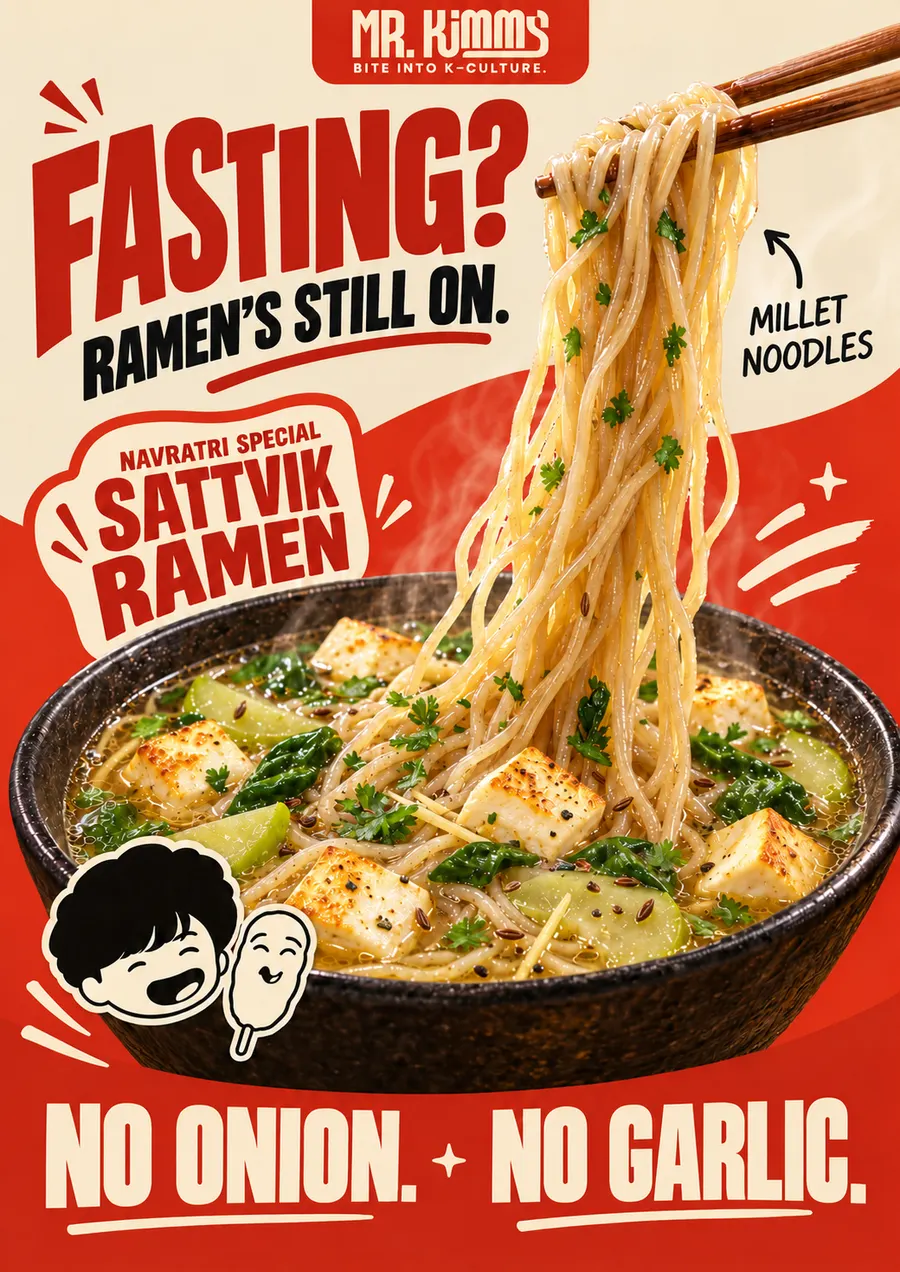
Gloo animates images you already have, such as a product photo, a festive poster or a finished social design, into a short video. Your layout, colours and text stay as they are; the AI adds motion like drifting light, moving food, a turning camera or a smiling chef. It's made in Gloo AI Studio from a single image.
Creation opens in Gloo AI Studio.

Real examples
Made for real businesses.
Each example says whether it was made in Gloo AI Studio or by the Gloo team. Tap one for details.

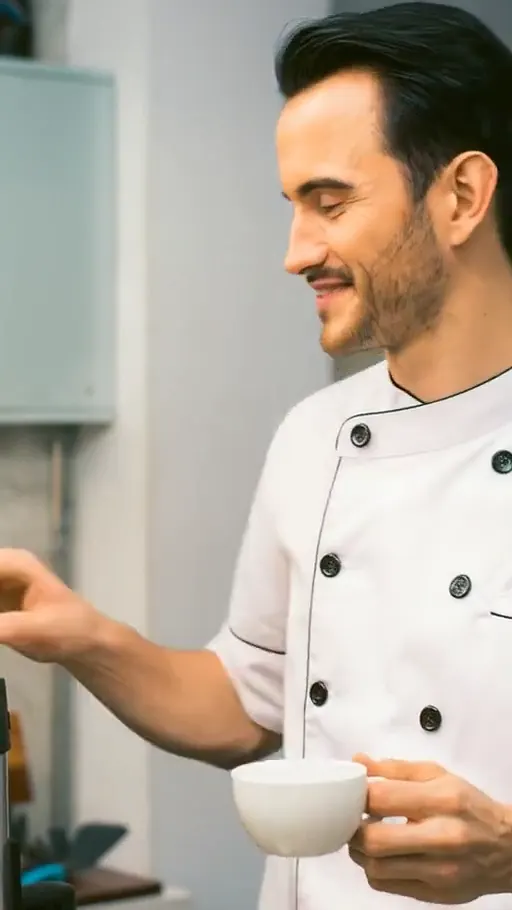
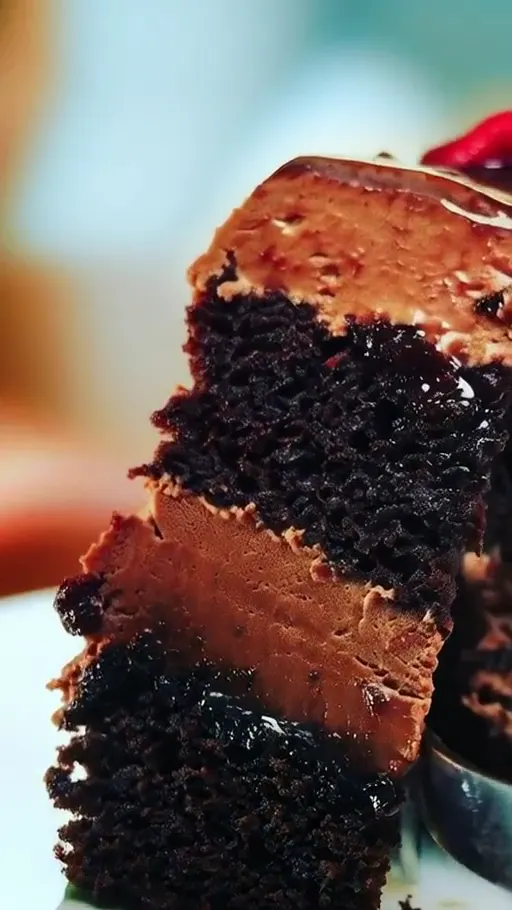
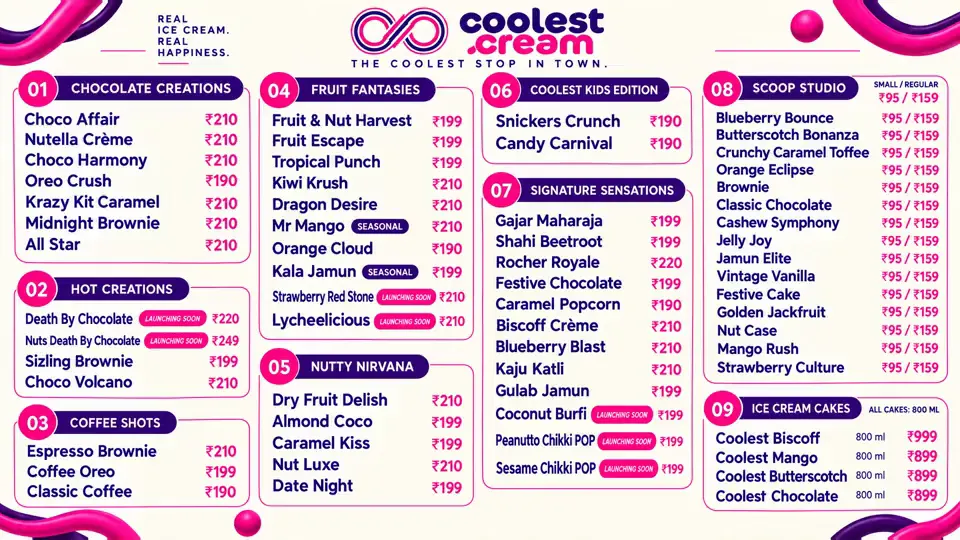

What you get
- A short video made from an image you already have
- Your layout, colours and text kept as they are
- Gentle motion: light, steam, moving scenery, a camera push-in or a natural gesture
- Vertical and square versions for Stories, Reels and in-store screens
Who it's for
- Restaurants and cafés
- Animate this week's offer poster so it stands out in Stories and on the TV by the counter.
- Retail shops
- Bring a product photo to life with a slow turn or a soft light sweep.
- Salons and studios
- Add subtle movement to a before-and-after or a new-service poster.
- Events and festivals
- Turn the festival greeting you already designed into a living poster for WhatsApp.
How it works
Three steps. That's it.
Start from an image
A poster, product photo or post you've already designed and approved.
Choose the motion
Subtle shimmer for a poster, a gentle push-in for a product, a natural gesture for a person.
Check and share
Make sure text and logos stay crisp, then share it as a Reel, Story or on your in-store TV.
Good to know
- Subtle motion keeps text readable. Big movements work better on photos than on text-heavy posters.
- Motion catches the eye on Stories and in-store screens, where people glance rather than read.
- Keep a still version for print and the feed; use the animated one for Reels, Stories and TV.
Questions
Before you start.
A finished poster with gentle motion added, such as light, steam or movement in the scene, while the design itself stays the same. It works well on Stories and in-store screens.
The goal is to keep them as they are. Check every frame before posting; if anything warps, regenerate with calmer motion or add the text afterwards.
Yes, for example a chef waving or smiling. Only use photos you have permission to use.
Animating keeps your existing image as the starting frame and adds motion to it. An AI-generated video creates a whole new scene from a prompt and references.
Instagram and WhatsApp Stories, Reels and in-store screens, where motion catches people who are glancing rather than reading.