The showcase

Real work.
Real fun.

Client pieces for restaurants, cafés and a couture label, made by the Gloo team, alongside samples made in Gloo AI Studio. Every piece says which it is. Tap any piece to see it big.

22 examples shown
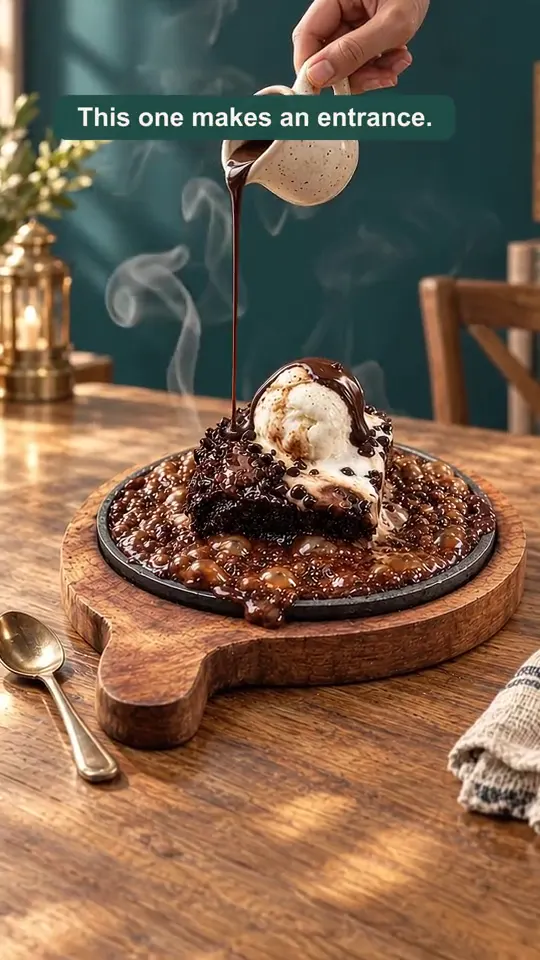
Images

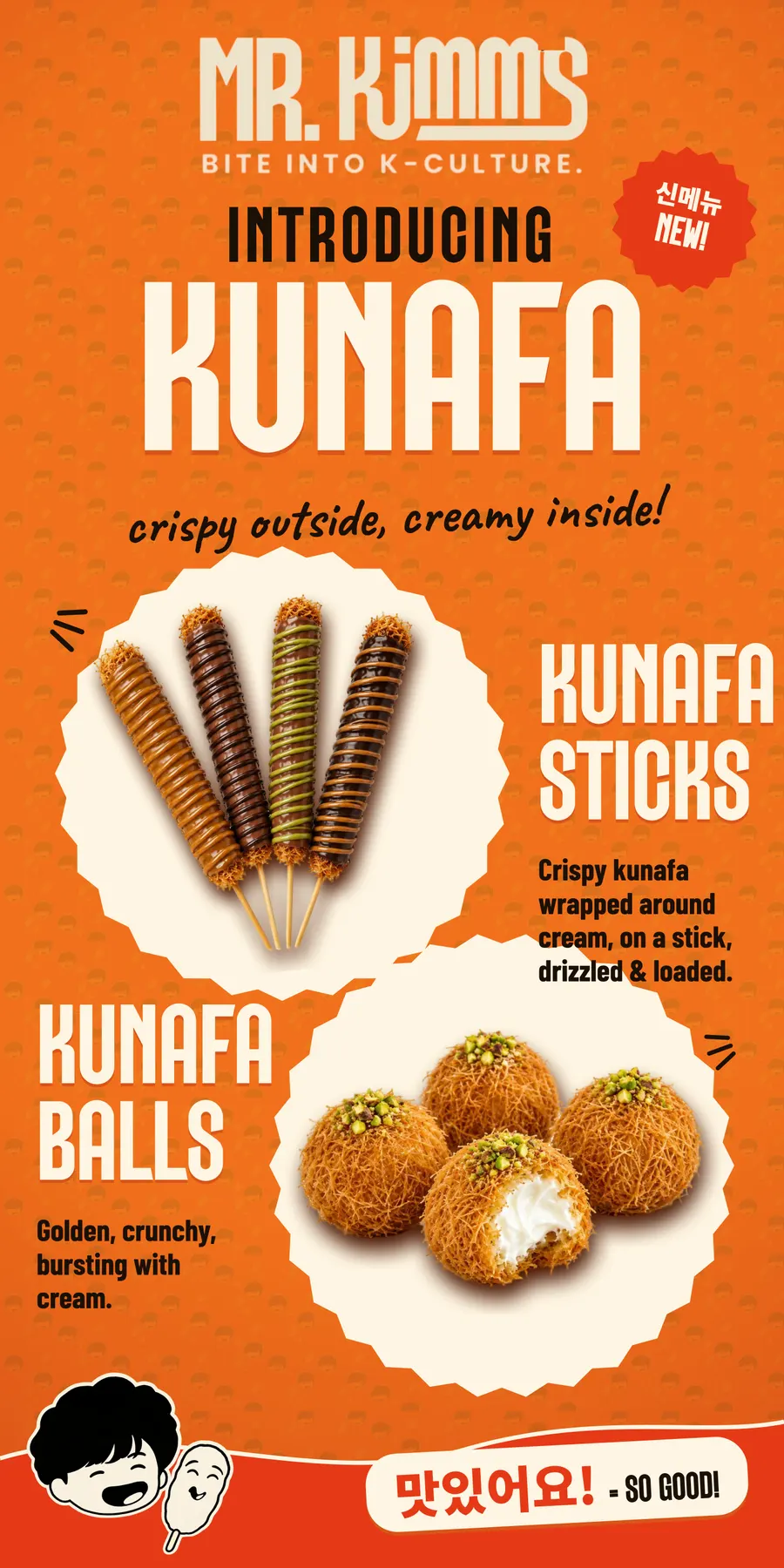
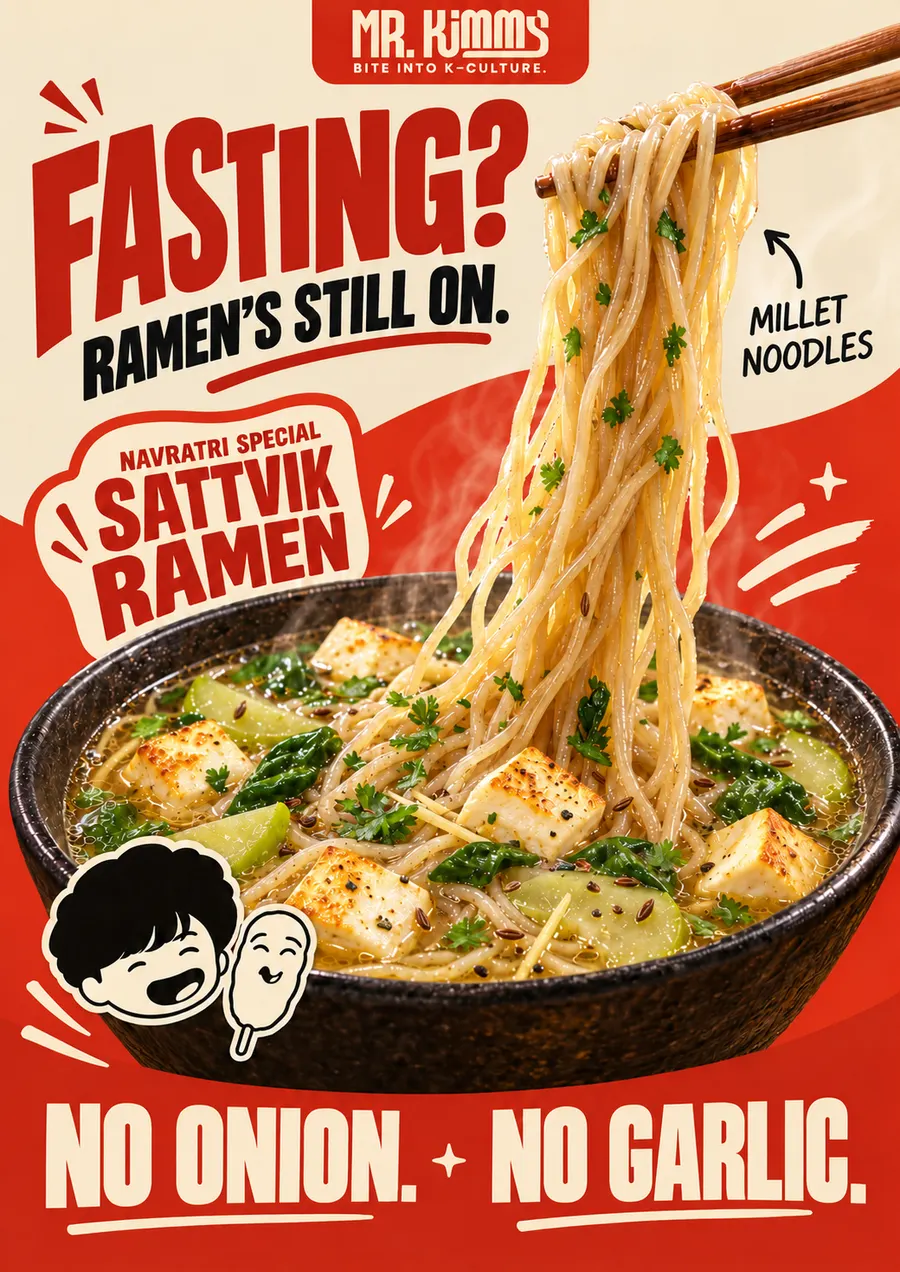
Poster · Mr Kimm's

Client work by the Gloo team
AI videos

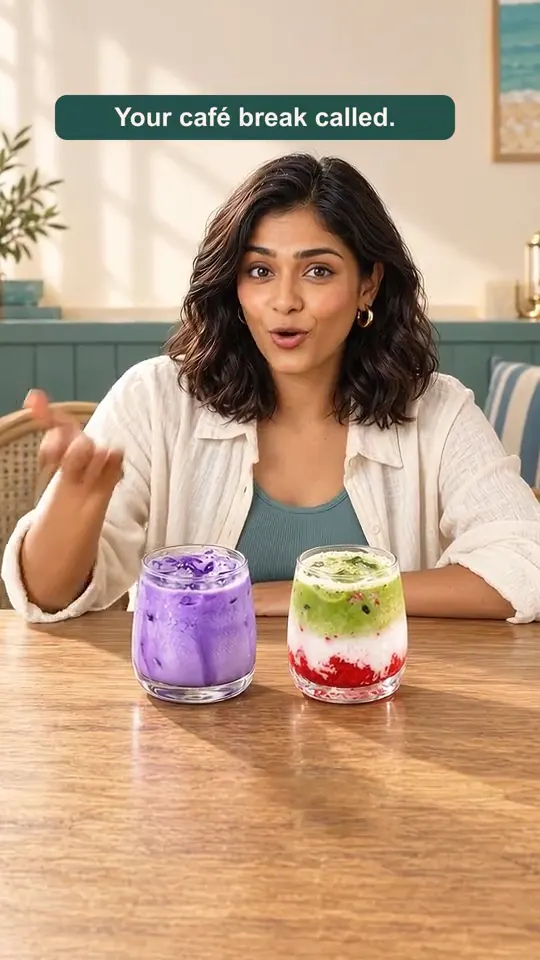
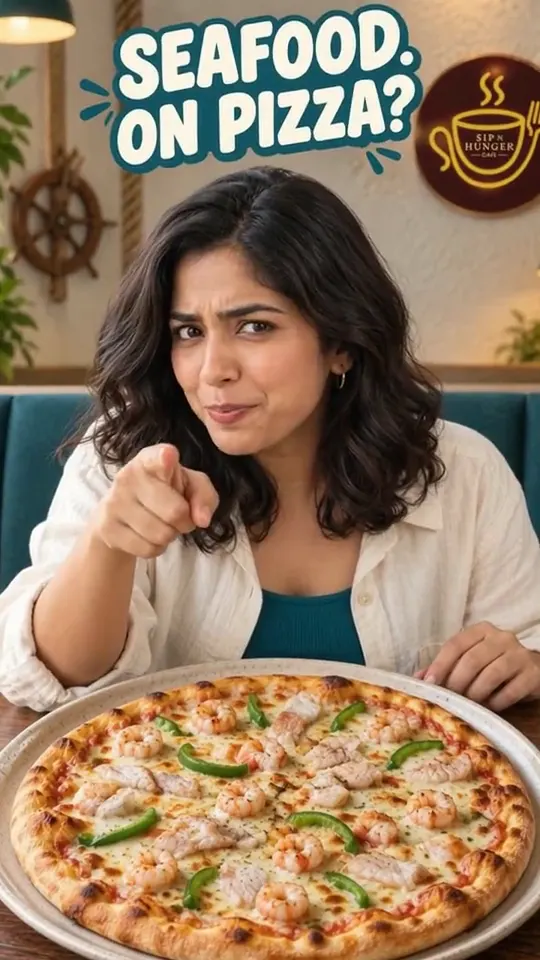
Reel · Sip N Hunger Café

Client work by the Gloo team
Animated

Living poster · Gloo concept

Made by the Gloo team
Images

Launch poster · Mr Kimm's

Client work by the Gloo team
Animated

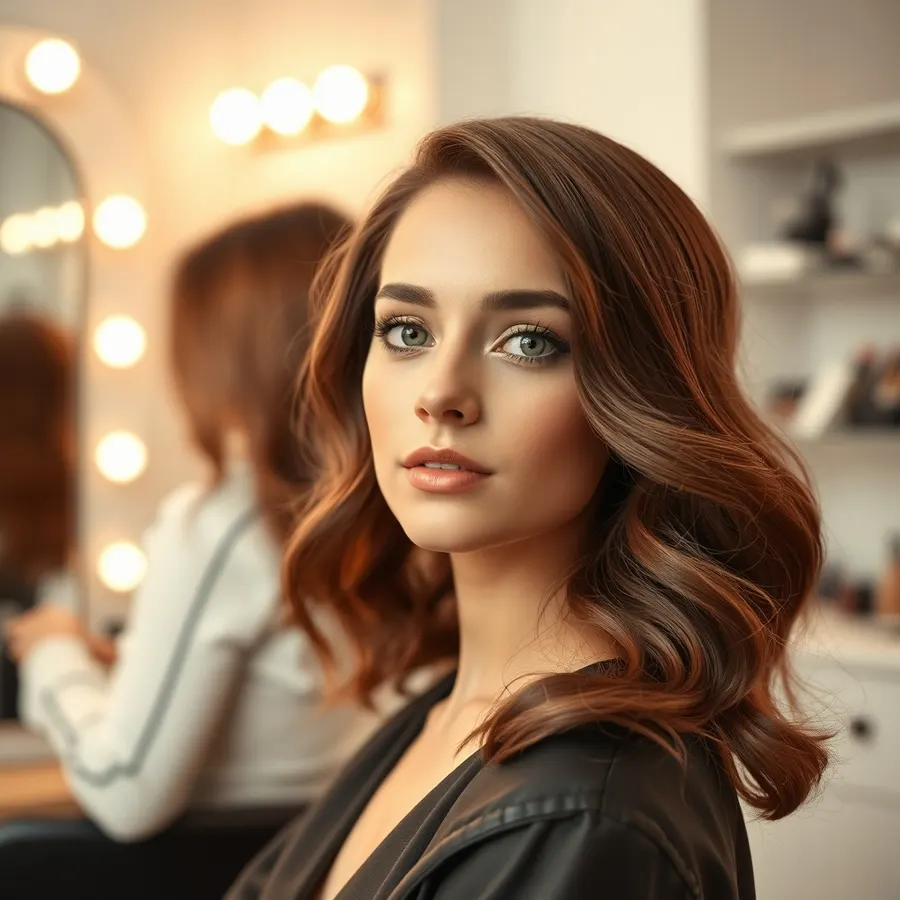
Photo to video · Gloo AI Studio

Made in AI Studio
AI videos

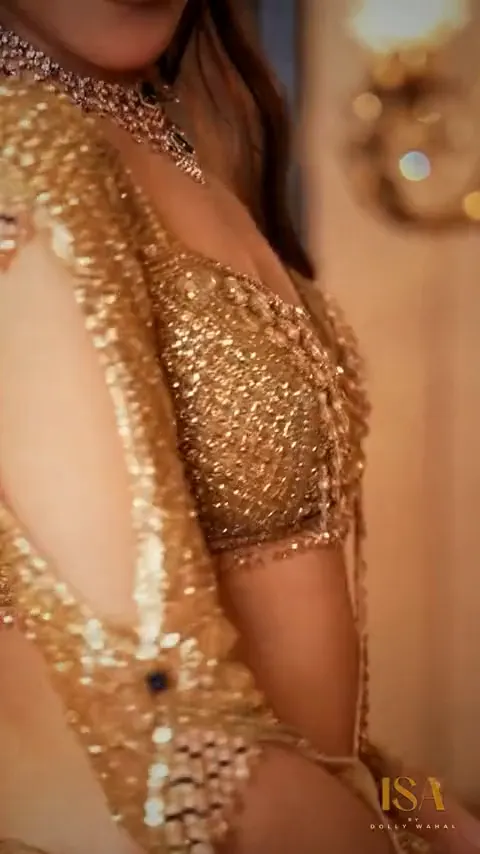
Brand film · ISA by Dolly Wahal

Client work by the Gloo team
Animated

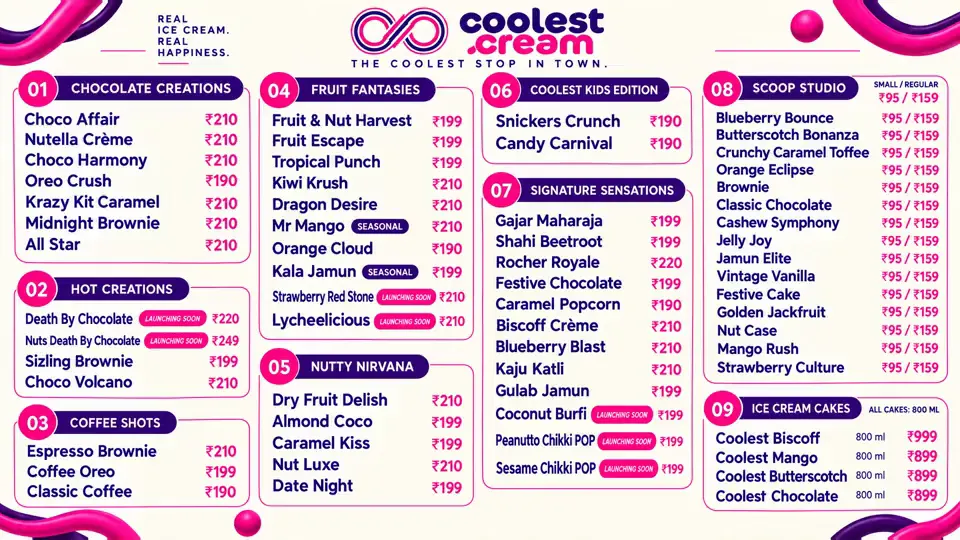
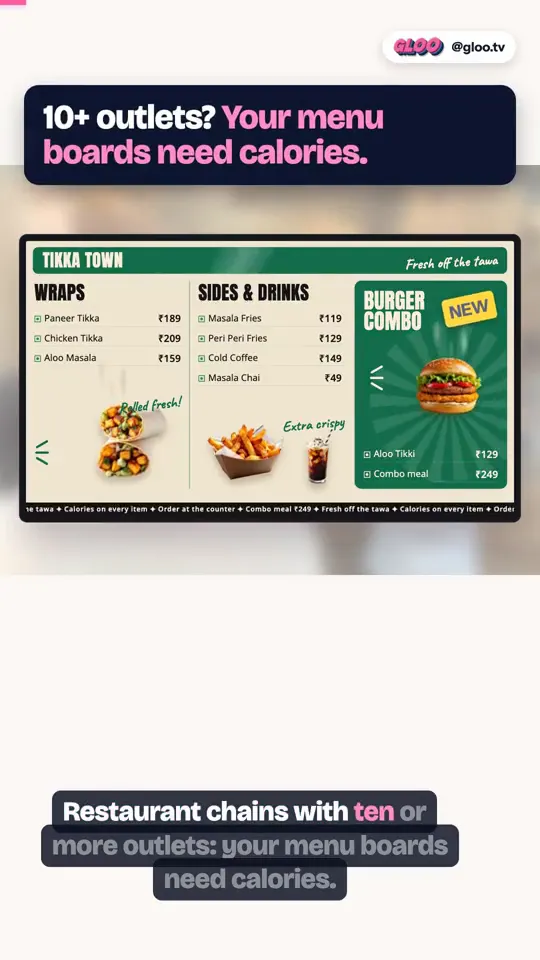
TV menu board · Coolest Cream

Client work by the Gloo team
Images

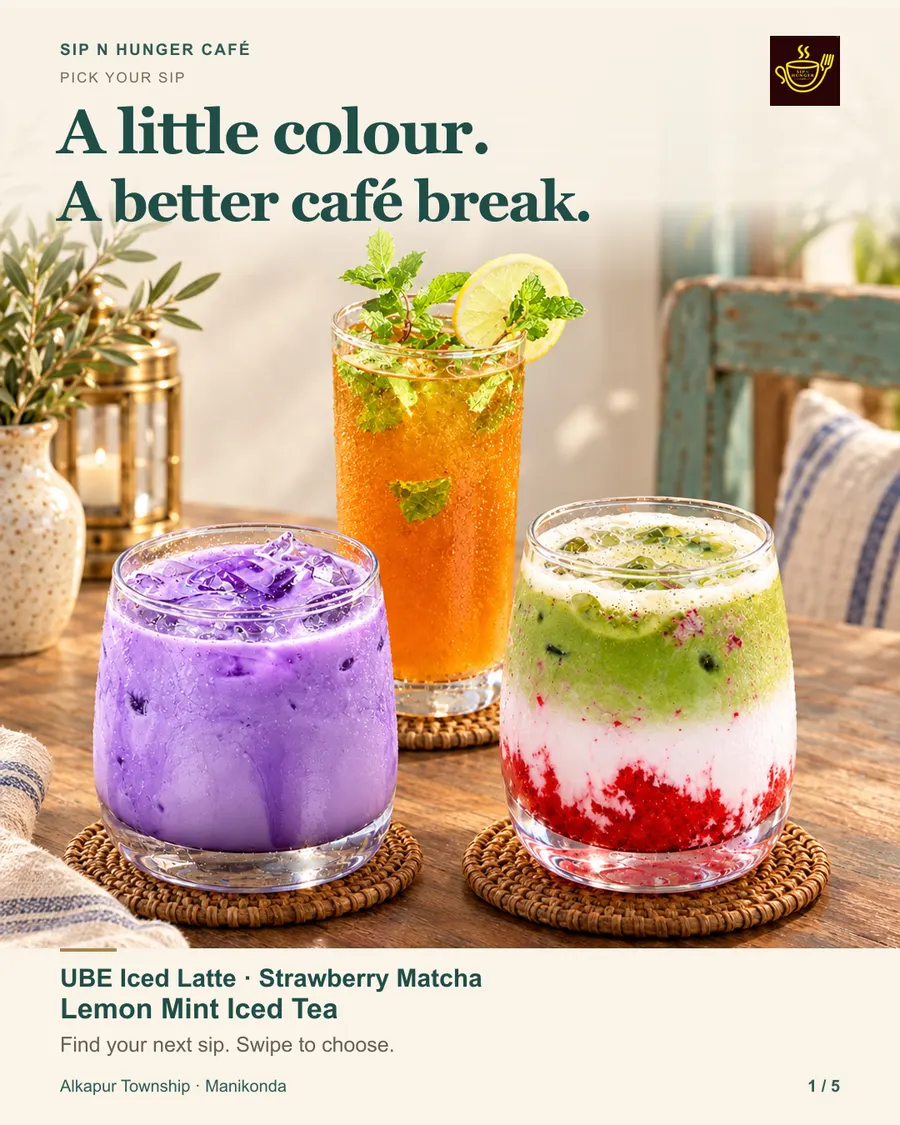
Carousel · Sip N Hunger Café

Client work by the Gloo team
AI videos

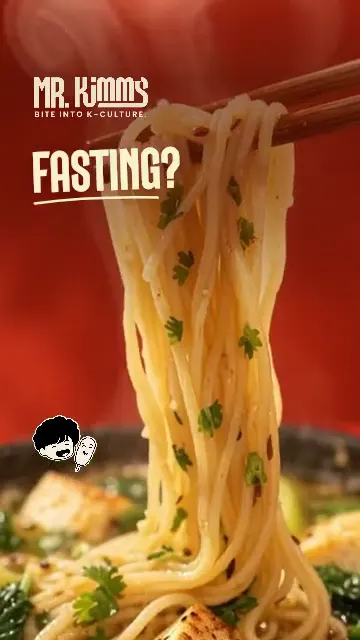
Food reel · Mr Kimm's

Client work by the Gloo team
Images

Social post · Gloo AI Studio

Made in AI Studio
Images

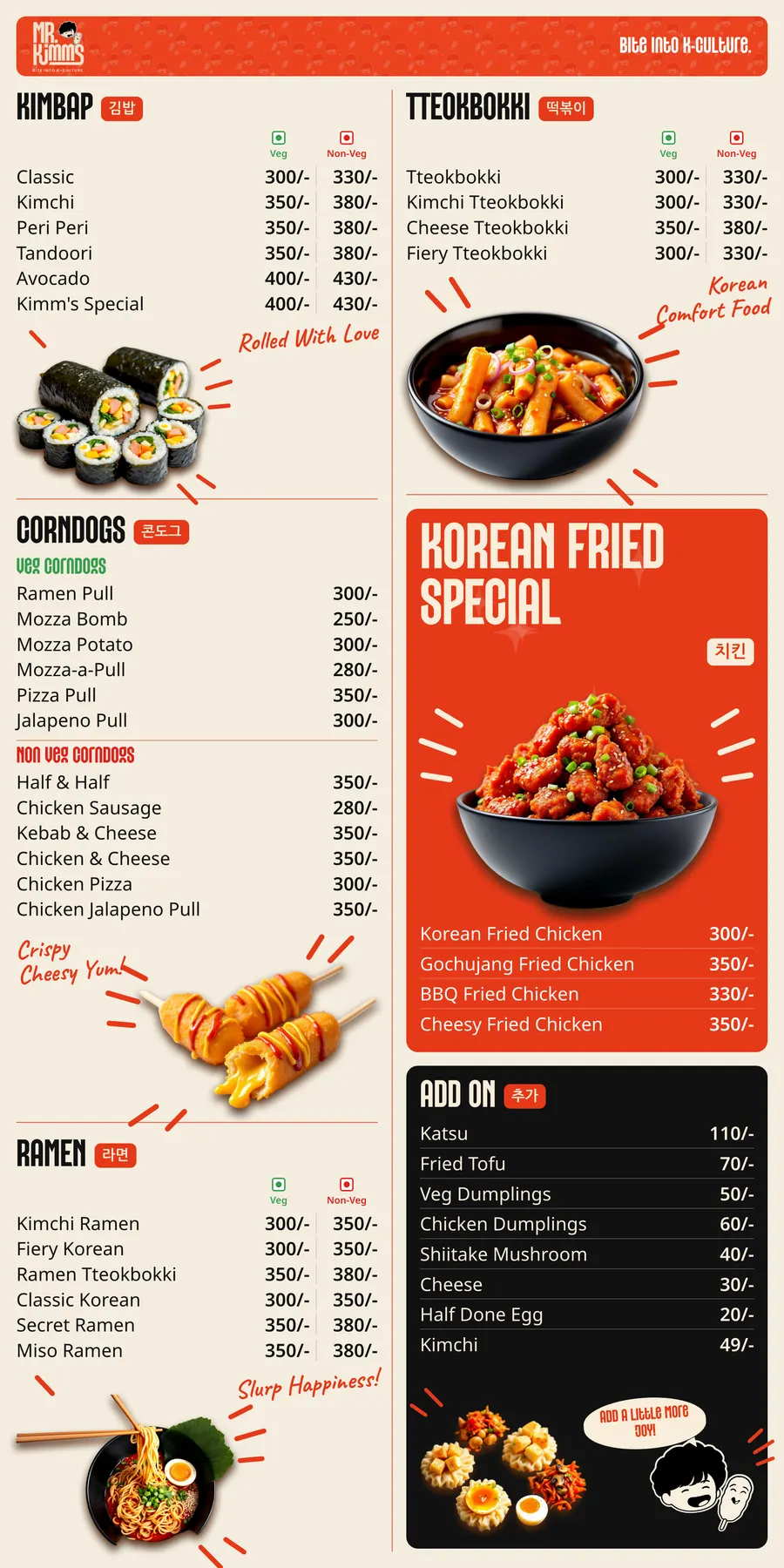
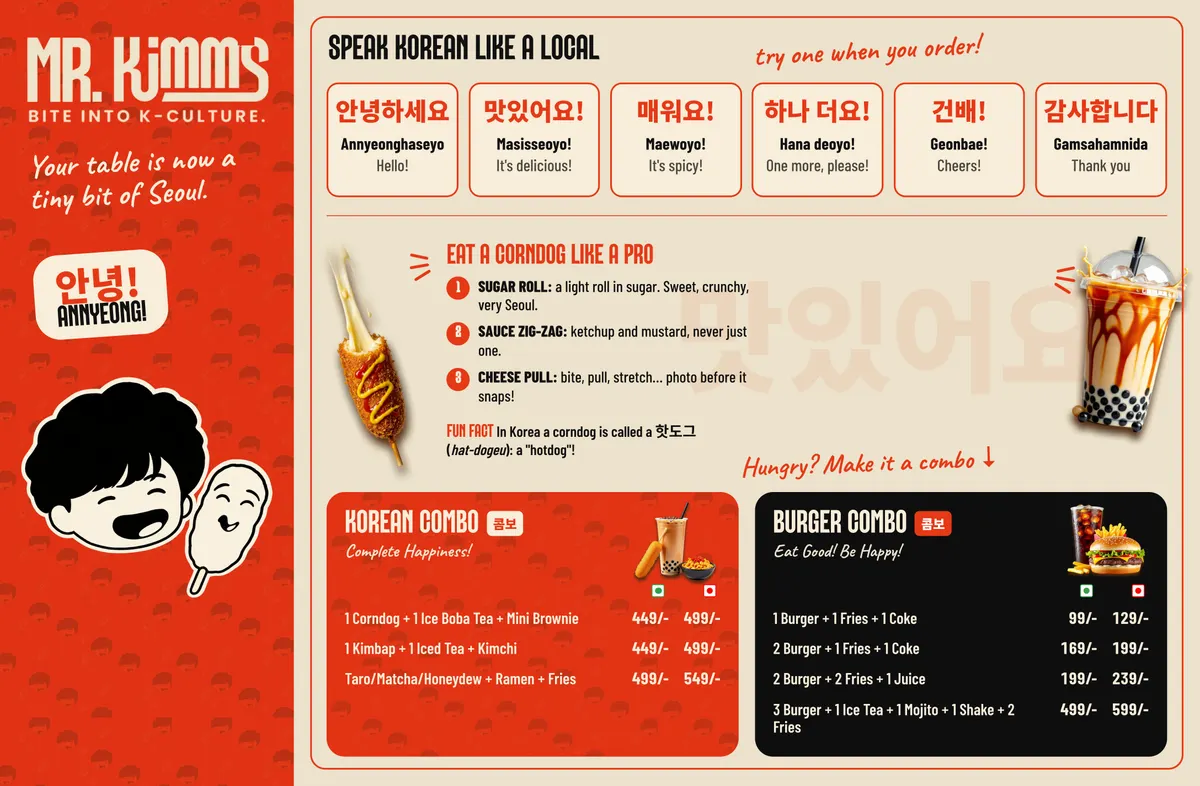
Menu board · Mr Kimm's

Client work by the Gloo team
AI videos

Reel · Sip N Hunger Café

Client work by the Gloo team
Animated

Photo to video · Gloo AI Studio

Made in AI Studio
Images

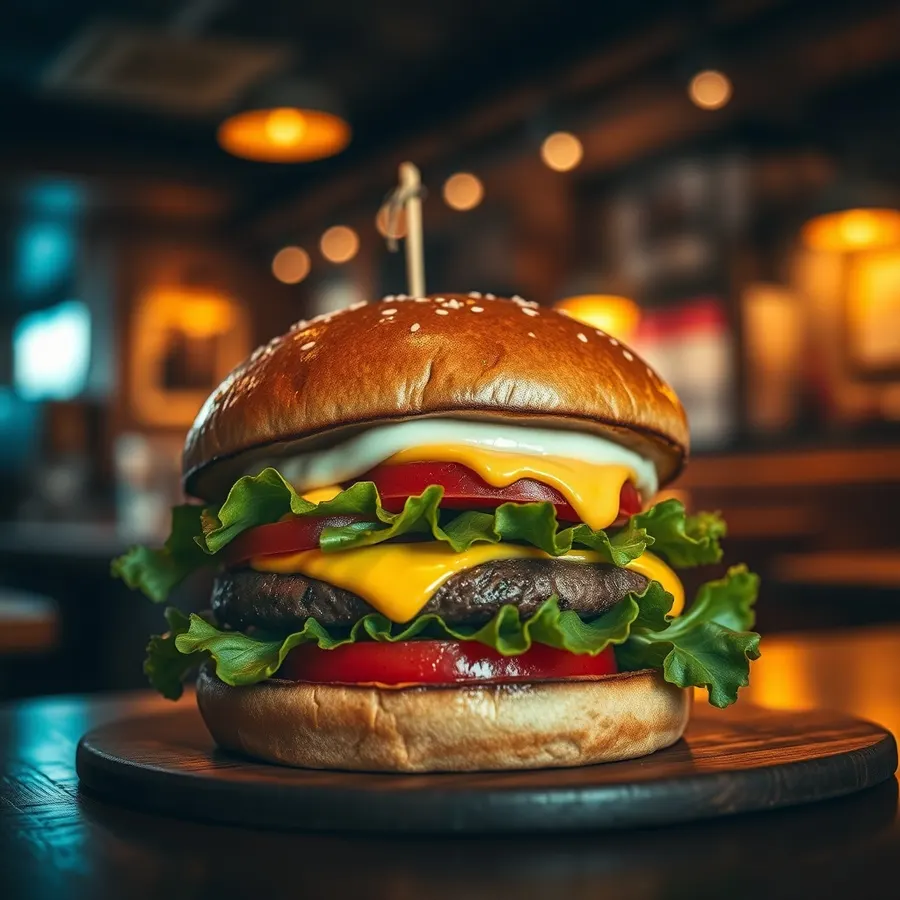
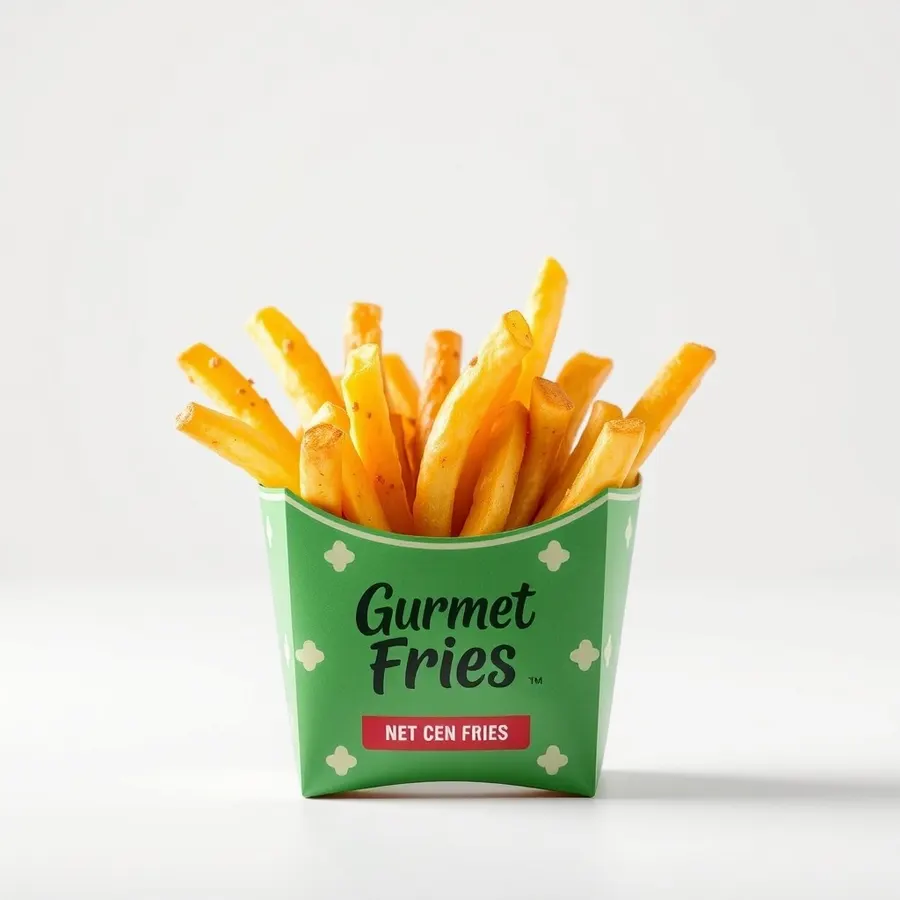
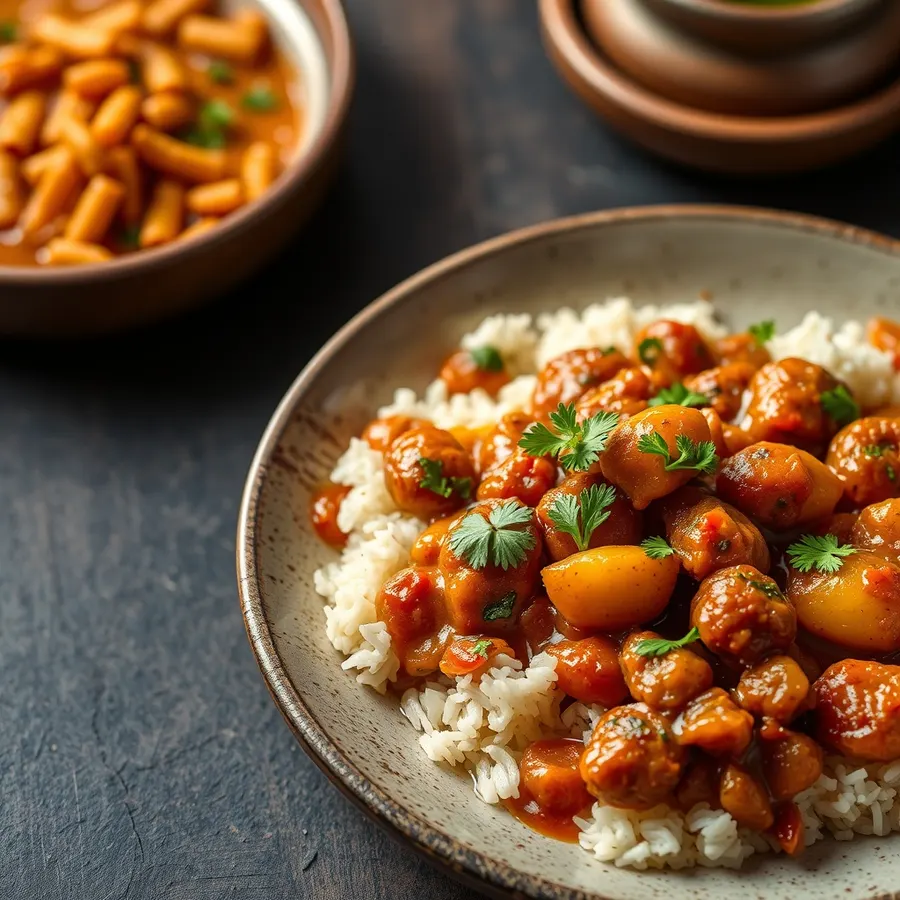
Product shot · Gloo AI Studio

Made in AI Studio
Animated

Explainer reel · Gloo

Made by the Gloo team
AI videos

Cinematic clip · Gloo AI Studio

Made in AI Studio
Images

Print creative · Mr Kimm's

Client work by the Gloo team
AI videos

Reel · Sip N Hunger Café

Client work by the Gloo team
Animated

Logo animation · Gloo

Made by the Gloo team
Images

Delivery menu card · Gloo AI Studio

Made in AI Studio
AI videos

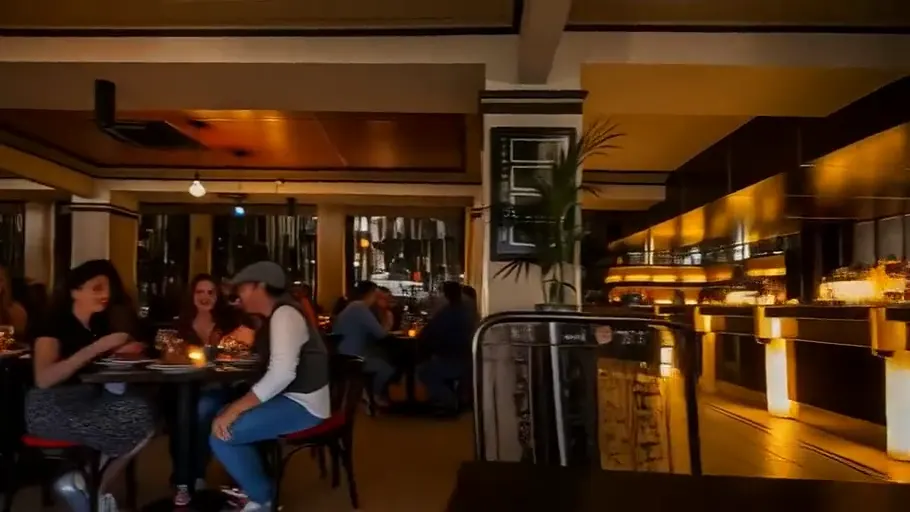
Ambience clip · Gloo AI Studio

Made in AI Studio
Images

Social post · Gloo AI Studio

Made in AI Studio

Animated videos

That poster you already love?
Make it move.

Start from an image or a finished design. Gloo animates what’s there, so your look stays yours.
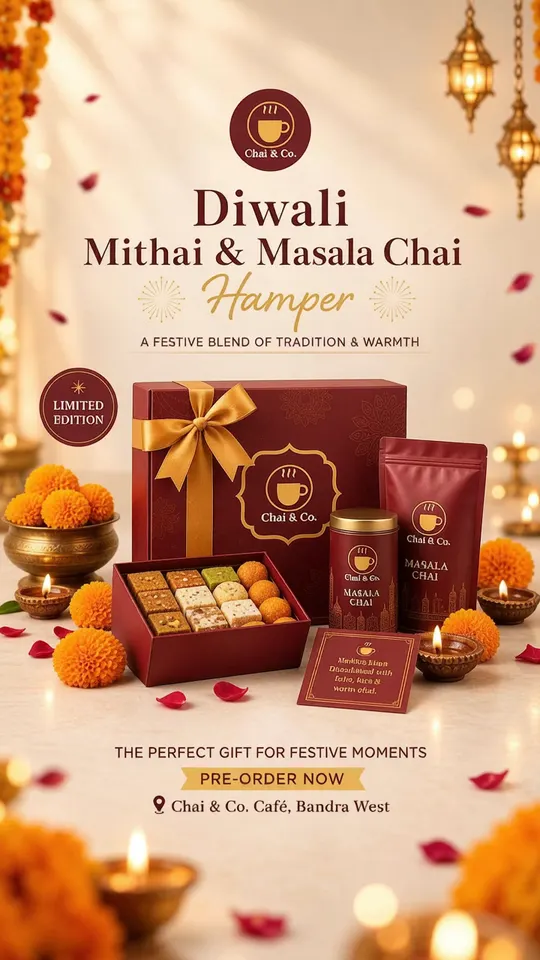
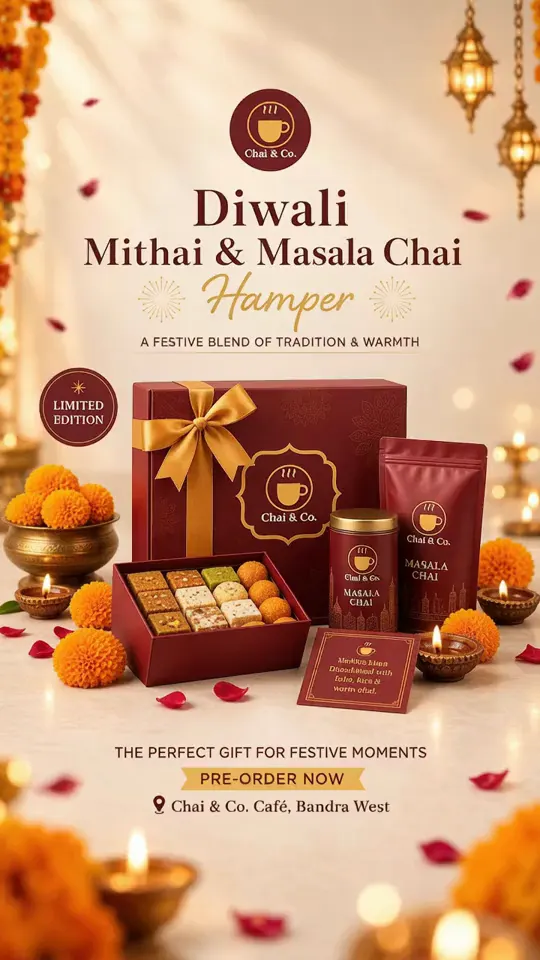
Still image: Diwali hamper poster, alive
Diwali hamper poster, alive
Gloo concept
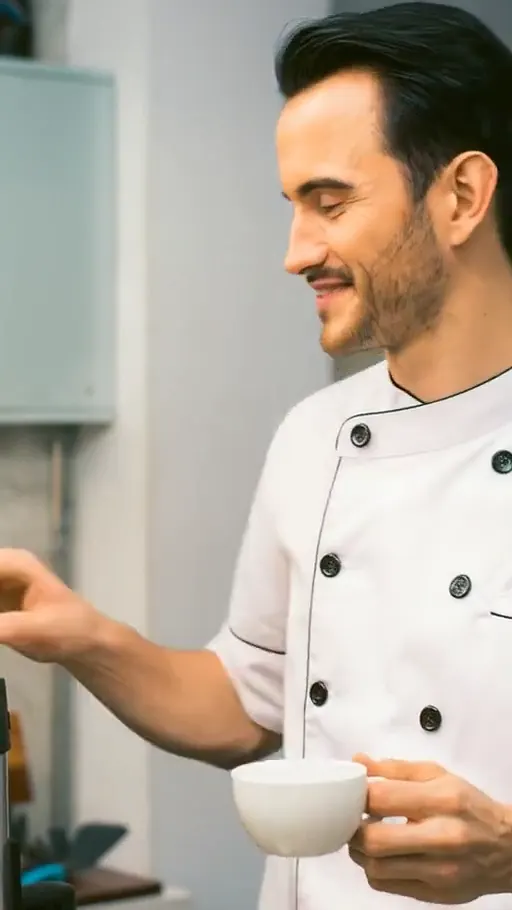
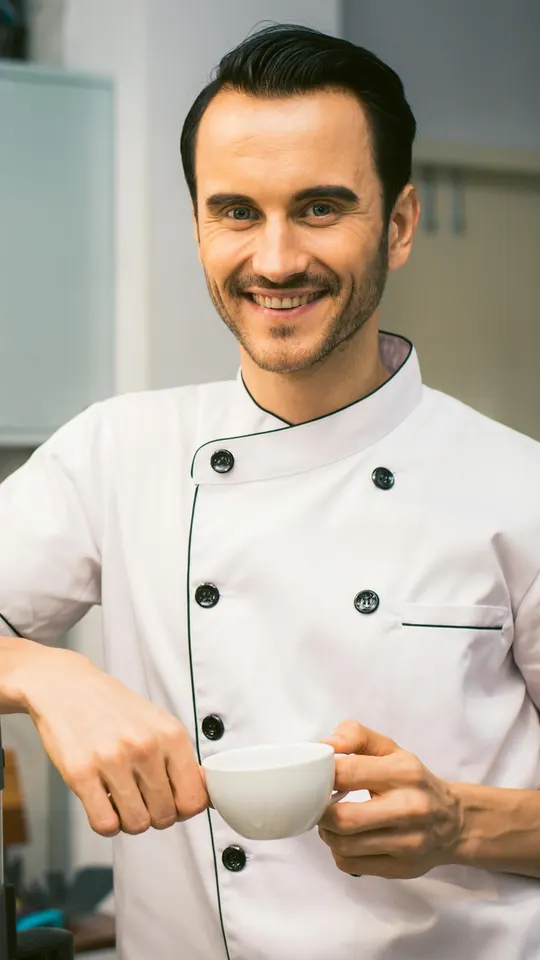
Still image: Chef says hello
Chef says hello
Gloo AI Studio
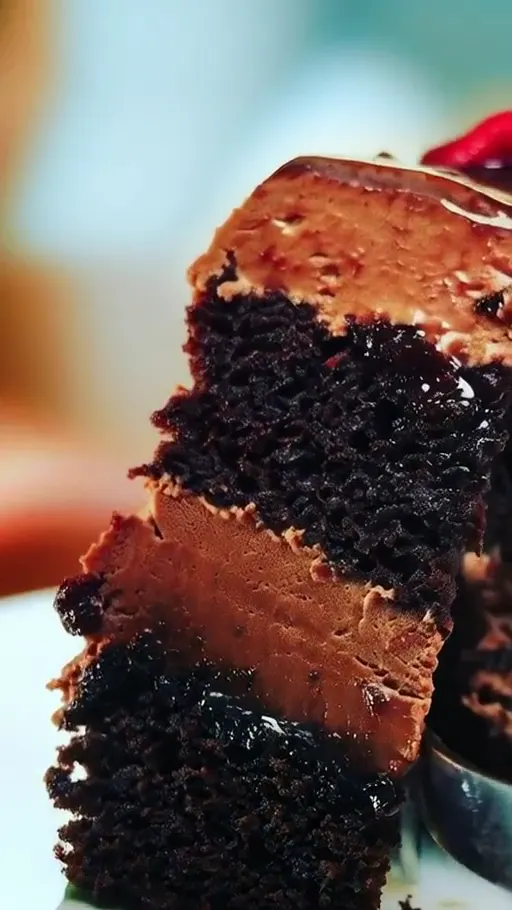
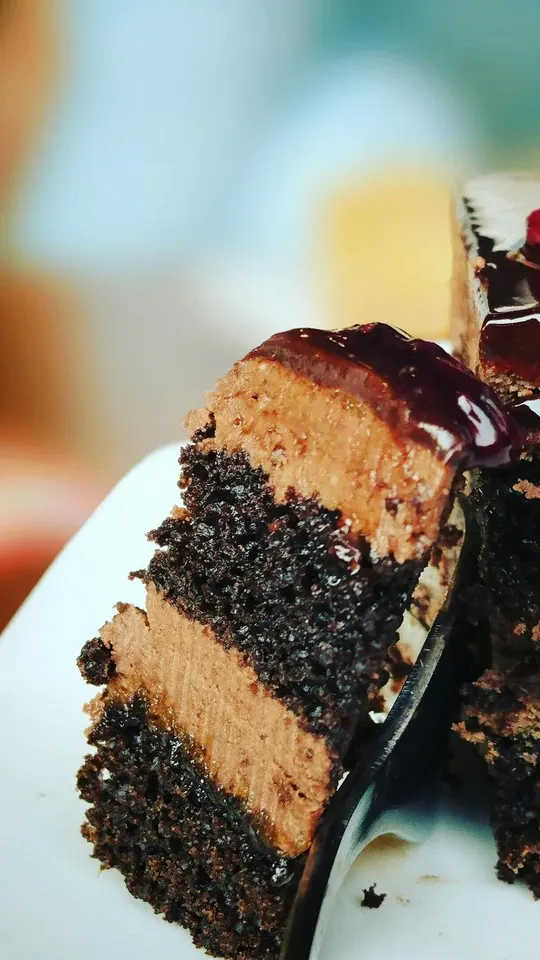
Still image: Chocolate cake close-up
Chocolate cake close-up
Gloo AI Studio

How it works

Idea in.
Content out.

  1. Bring what you have

    A product photo, a finished poster, your menu, or just an idea and a few reference pictures.

  2. Pick what to make

    An image for the feed, an animation of something you already designed, or a brand-new AI video scene.

  3. Review. Then post.

    Check every detail, tweak the direction in the studio, then put it to work on your channels and screens.

ImagesAnimated videosAI-generated videos

Good questions

Before you
get creative.

Your business has a story.
Let’s make it pop.

Open Gloo AI Studio