Photo to reel
Turn one food photo into a reel.
Gloo turns a single photo of your dish into a 5–10 second vertical video for Reels and Stories: the food stays recognisably yours, and the AI adds movement such as steam, pours and camera cuts. You upload a photo in Gloo AI Studio, describe the moment you want, review the result and post it.
Creation opens in Gloo AI Studio.
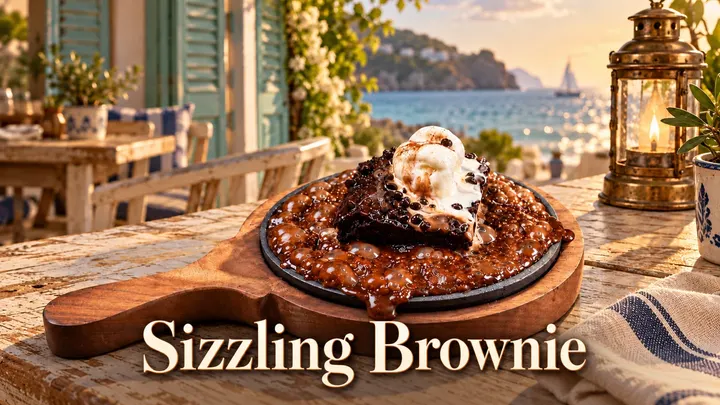
Real examples
Made for real businesses.
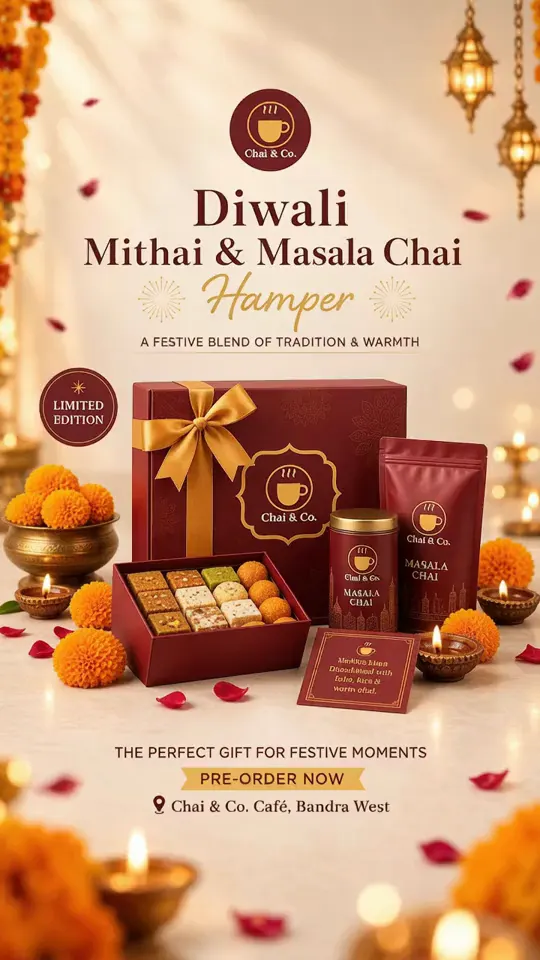
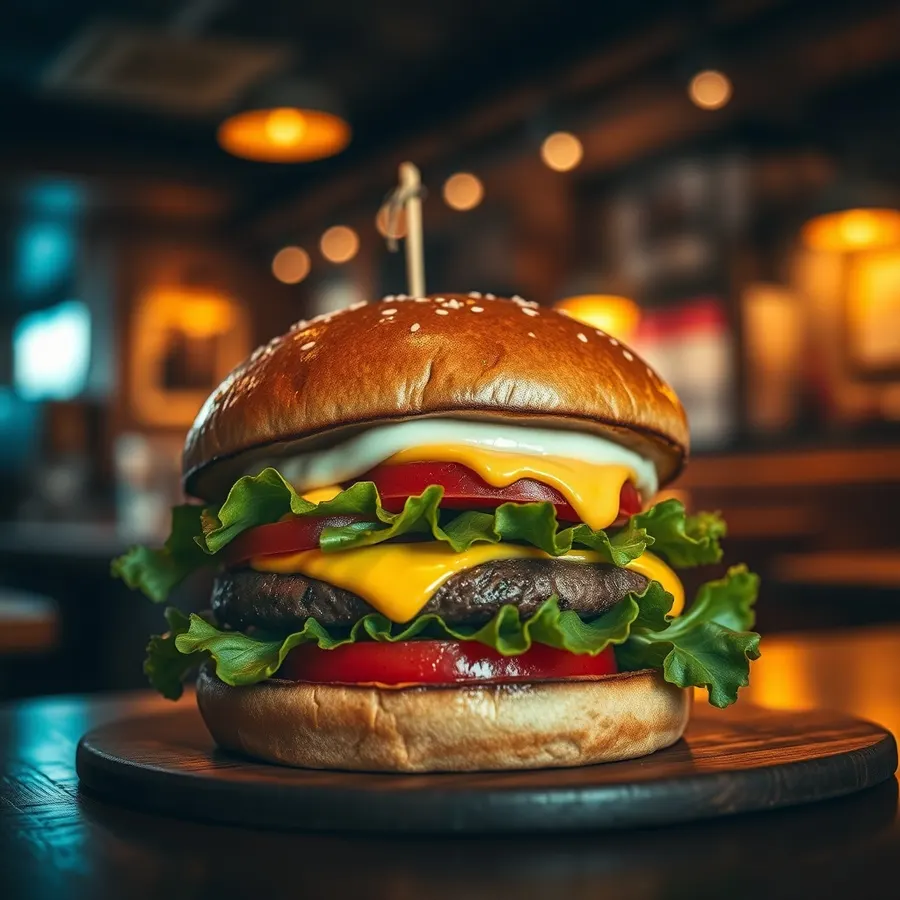
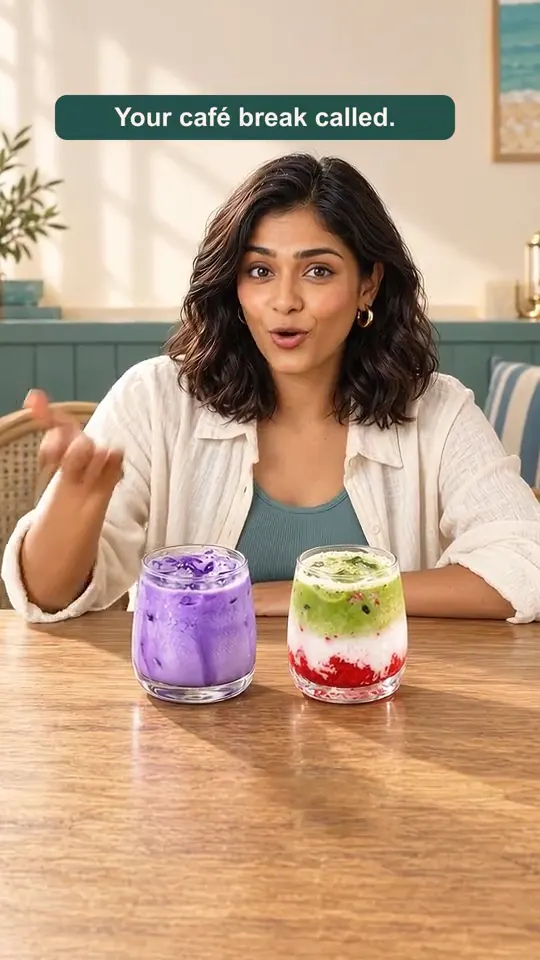
Each example says whether it was made in Gloo AI Studio or by the Gloo team. Tap one for details.
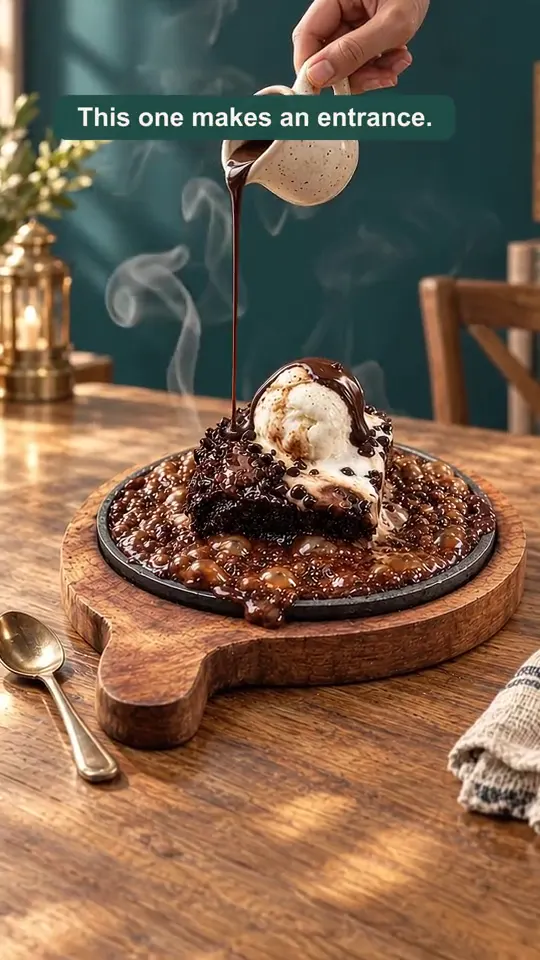
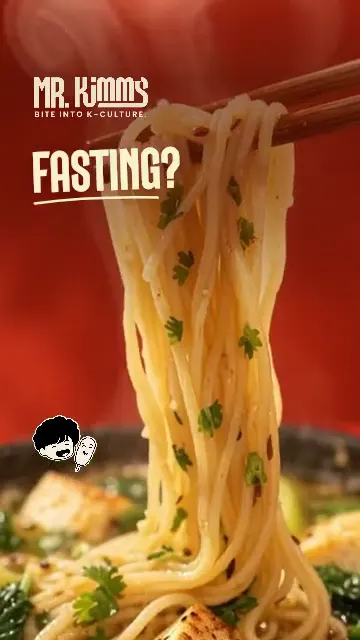
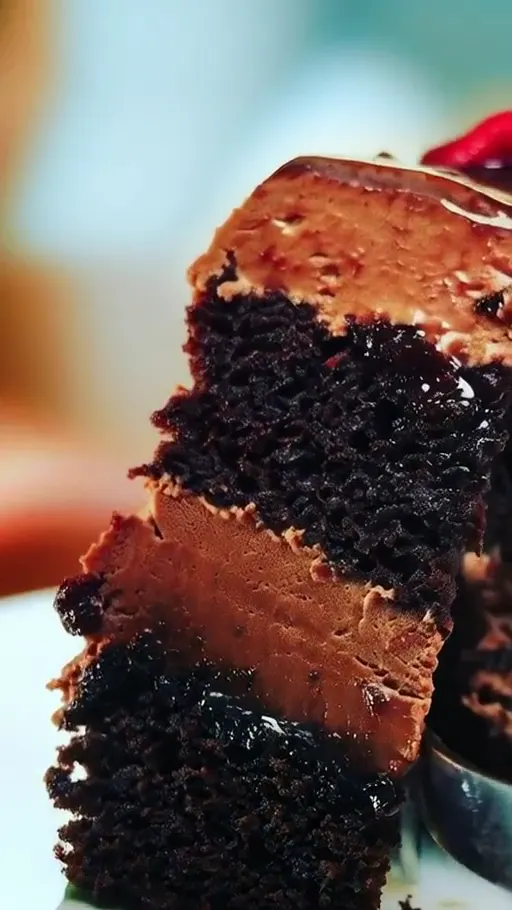
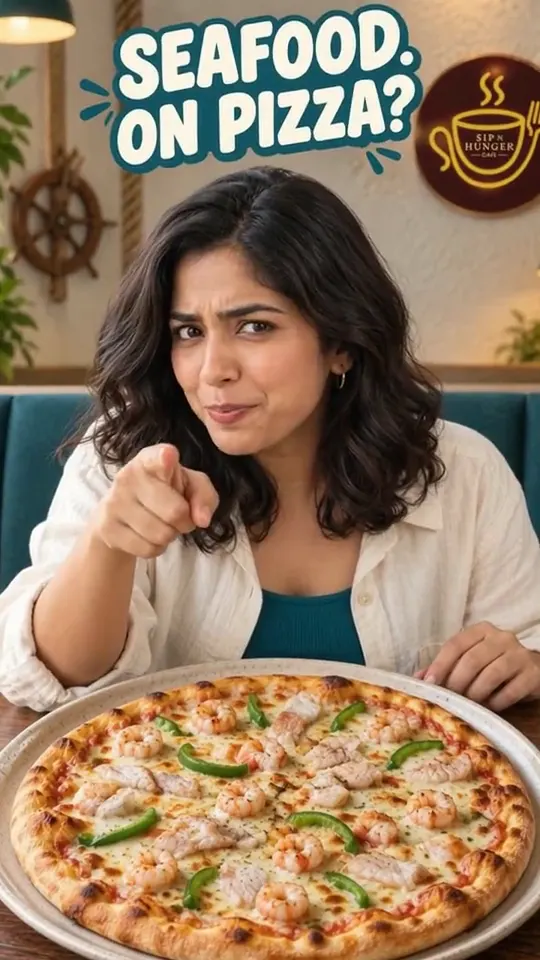
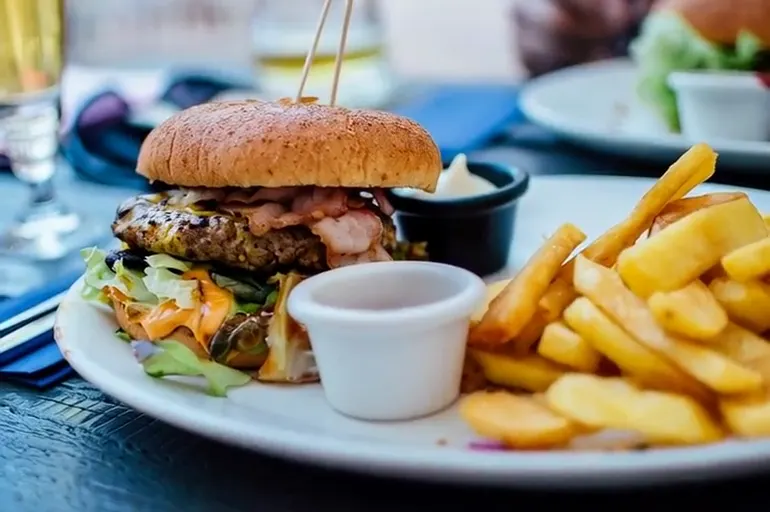
What you get
- A 5–10 second vertical video (9:16) made from your own dish photo
- Motion that suits food: steam, sizzles, pours, cheese pulls and slow camera moves
- An MP4 ready for Instagram Reels, Stories, WhatsApp Status and YouTube Shorts
- Room to add your price, offer or logo afterwards, so text stays sharp
Who it's for
- Restaurants
- Turn the hero dish on your menu into a reel for a new launch or a weekend special.
- Cafés and dessert shops
- Brownies, shakes and coffees look best in motion: a pour, a drizzle or a slow spin.
- Cloud kitchens
- Reuse your delivery-app photos as short videos for Instagram ads and Stories.
- Bakeries and sweet shops
- Festive boxes and cakes come alive with a gentle reveal ahead of a festival.
How it works
Three steps. That's it.
Pick your best dish photo
A clear, well-lit photo of the real dish. Phone photos work; one plate, no clutter is best.
Describe the moment
A sizzle, a pour, a slow push-in, steam rising. Short, visual directions get the best motion.
Review, then post
Check the dish still looks like yours, add your offer or logo, and post it as a Reel or Story.
Good to know
- Use a photo of the dish you actually serve, so the video matches what customers get.
- Vertical 9:16 fills the screen on Instagram Reels, Stories and WhatsApp Status.
- Keep text out of the generated video; add prices and offers afterwards so they stay readable.
- Five to ten seconds is enough. Lead with the most appetising moment in the first second.
Free Gloo tools for this:
Zomato menu food image generatorQuestions