Animated Instagram videos
Put your menu in motion.
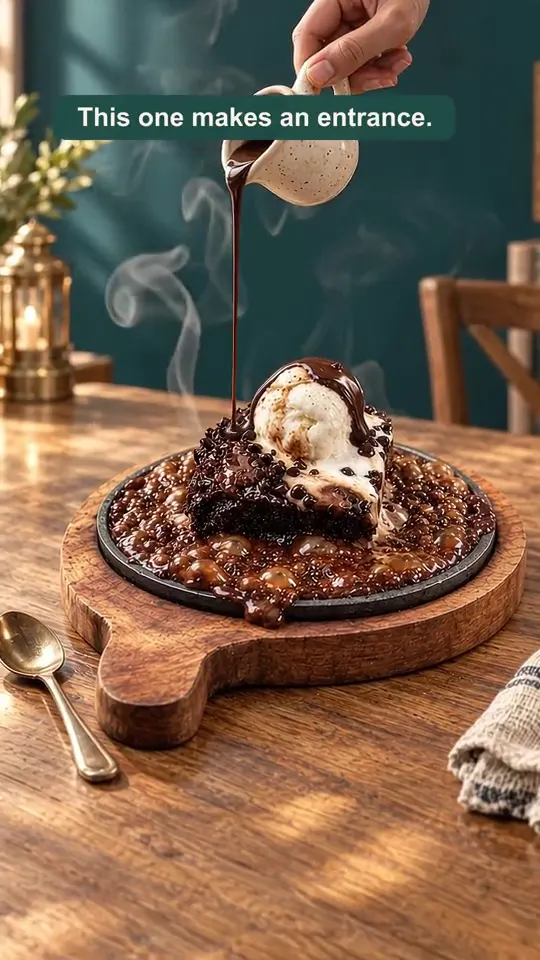
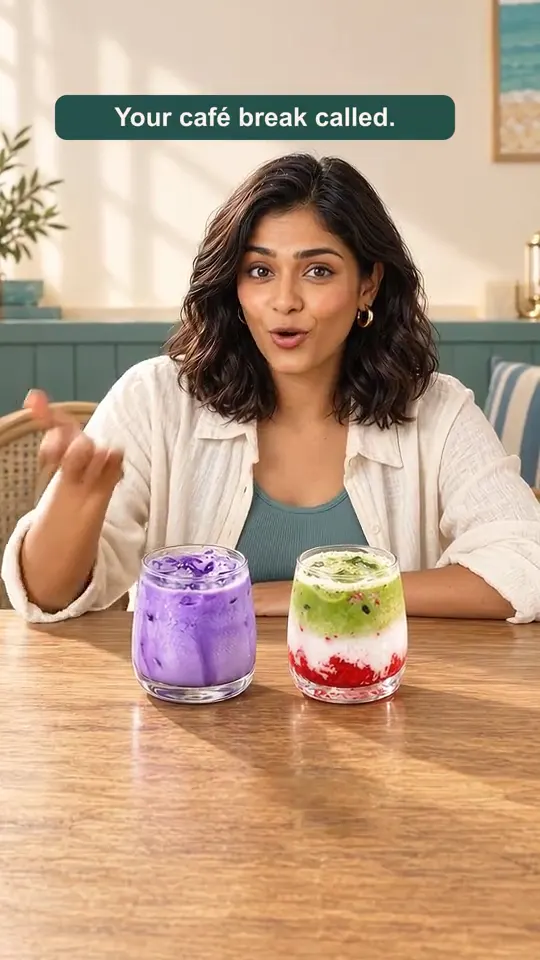
Make animated Instagram Reels from real dish and product photos in Gloo AI Studio. Pick a style, choose the items to feature and render a vertical video with timed text, brand colours and motion. Some styles also include a scripted voiceover.
Creation opens in Gloo AI Studio.
From the showcase
See it in action.
Explore Studio samples and finished pieces by the Gloo team.
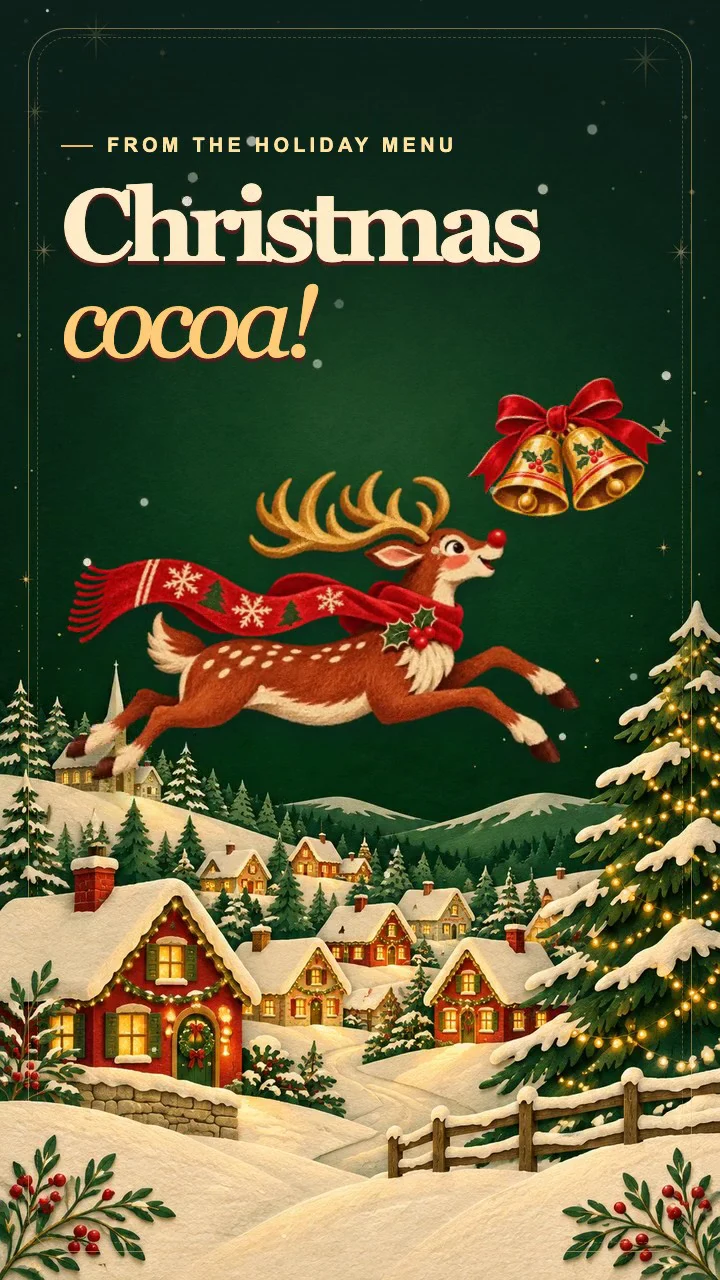
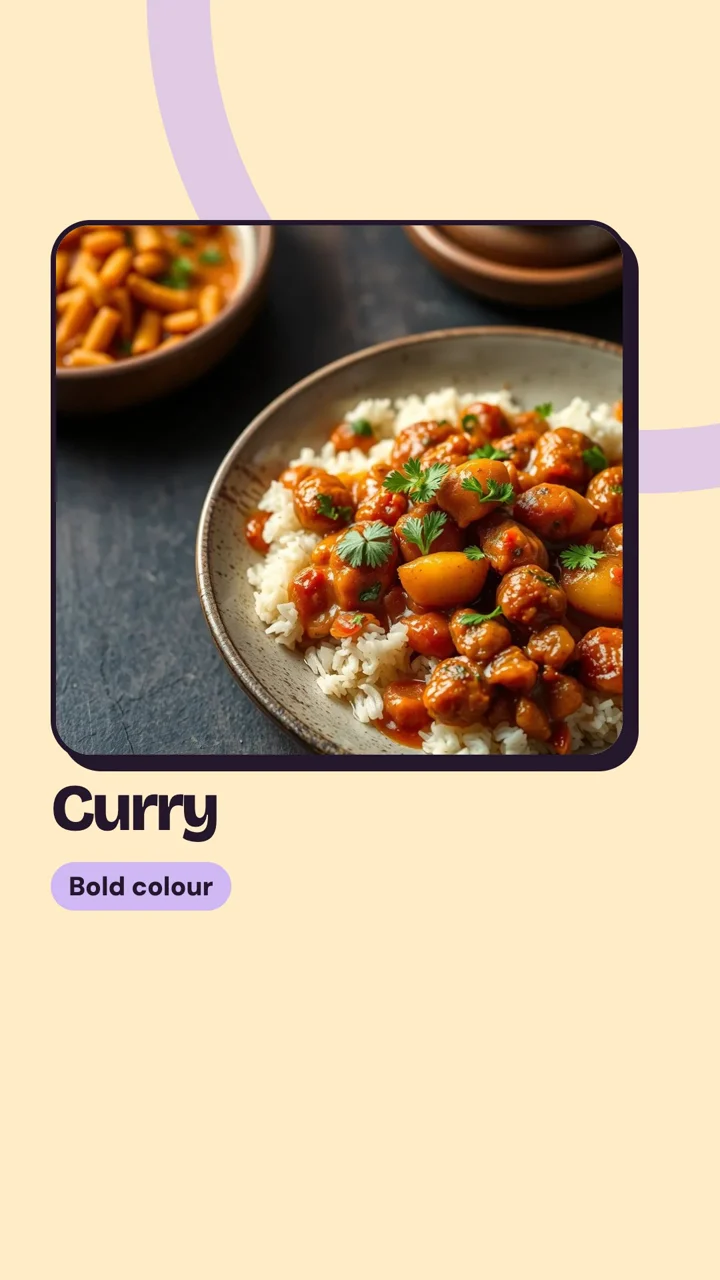
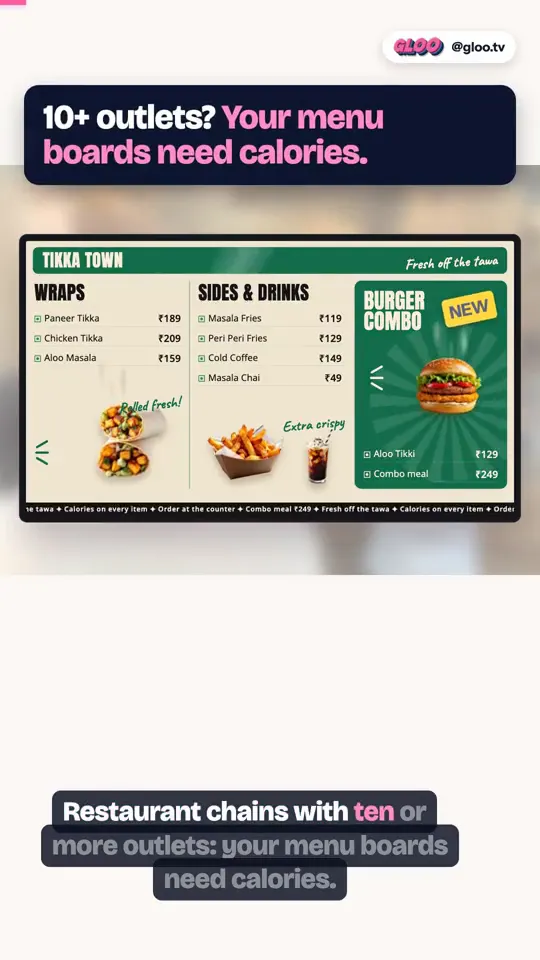
What you get
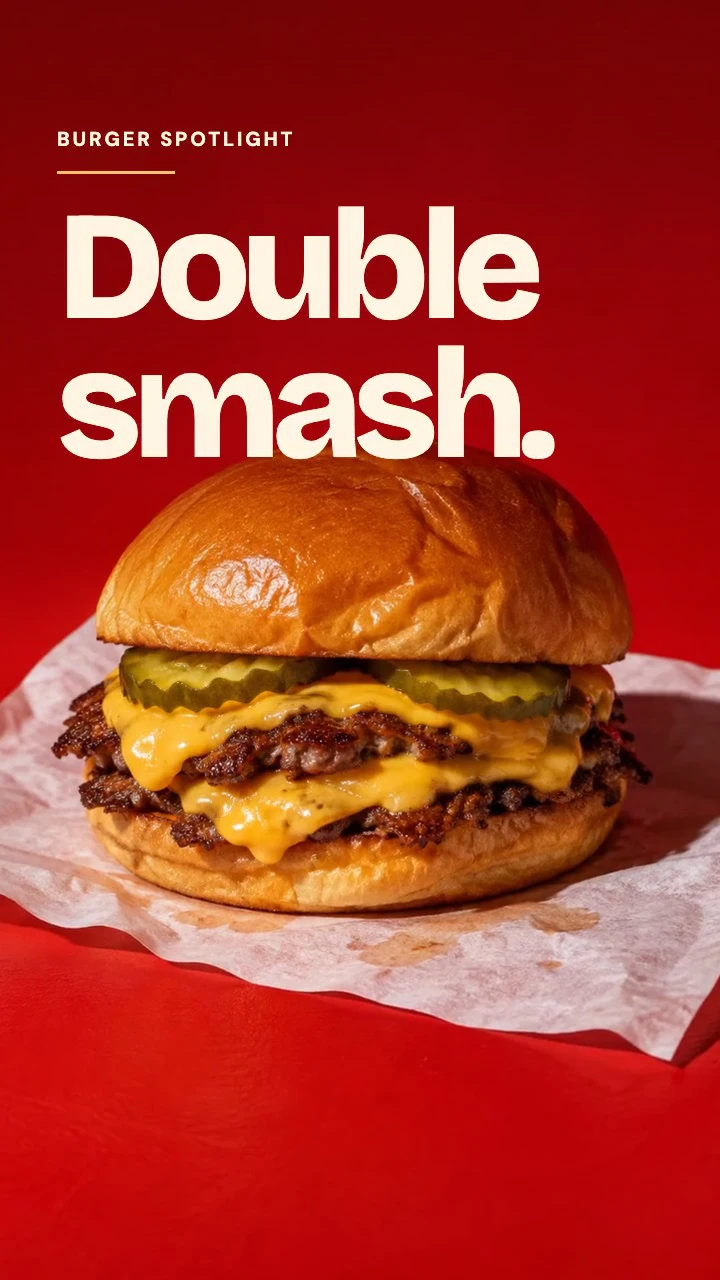
- A vertical 9:16 MP4 for Instagram Reels and Stories
- An opening beat, dish close-ups, on-screen copy and a closing card
- An editable choice of input photos, style and available output formats before generation
Who it's for
- Restaurants
- Show a short selection of dishes before the lunch rush.
- Cafés and bakeries
- Turn a seasonal drinks or dessert line-up into one reel.
- Local retailers
- Give a small product range a clear reveal and end card.
How it works
Three steps. That's it.
Choose a style
Pick the layout and check the available formats.
Pick the content
Supply clean product or menu photos. Confirm brand colours and the business details shown.
Render and review
Play the full video, check the framing and wording, then download it for Instagram.
Good to know
- Put the hook in the first seconds.
- Keep key copy clear of Instagram’s right and bottom controls.
- Make sure the reel makes sense when viewers watch with sound off.
Questions
Before you start.
Yes. Animated Reels uses existing photos and graphics to build a motion sequence.
Animated Reels combines visuals, typography and brand cues across scenes. For camera movement or steam in a single dish photo, start with the food photo to reel workflow.
You can download the result and post it yourself. Publishing from Studio depends on your connected channels and the available workflow.