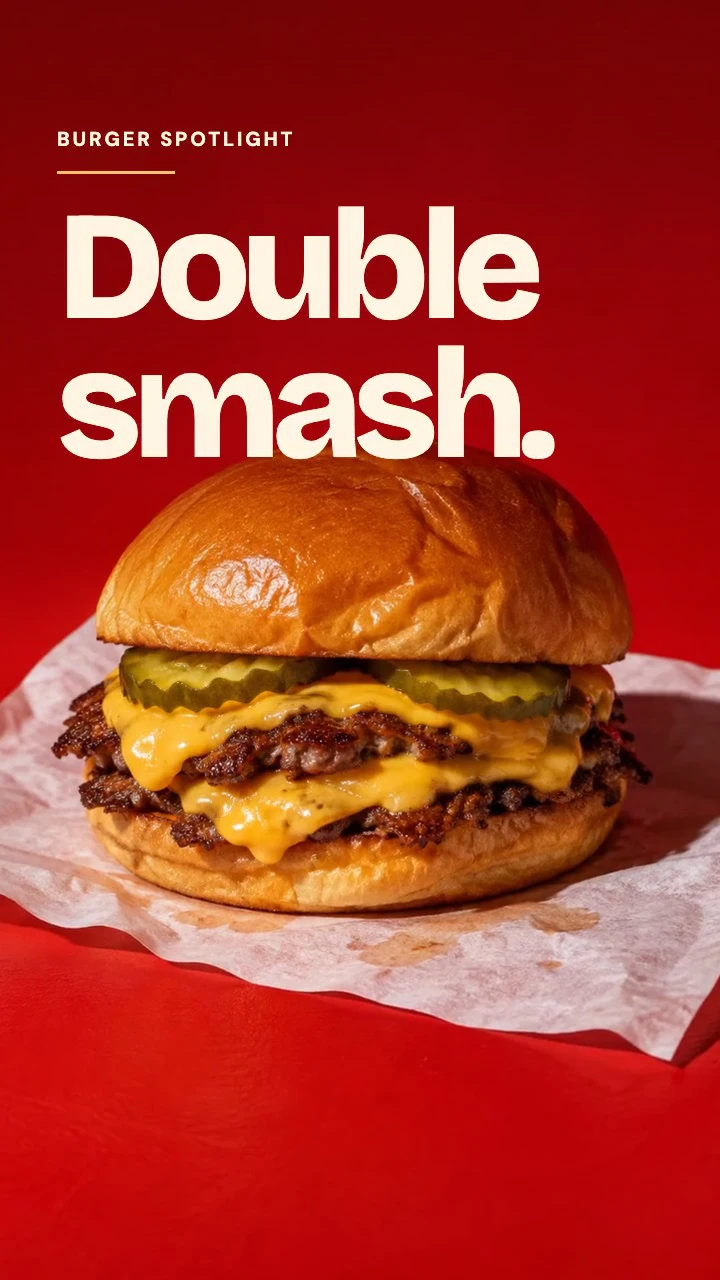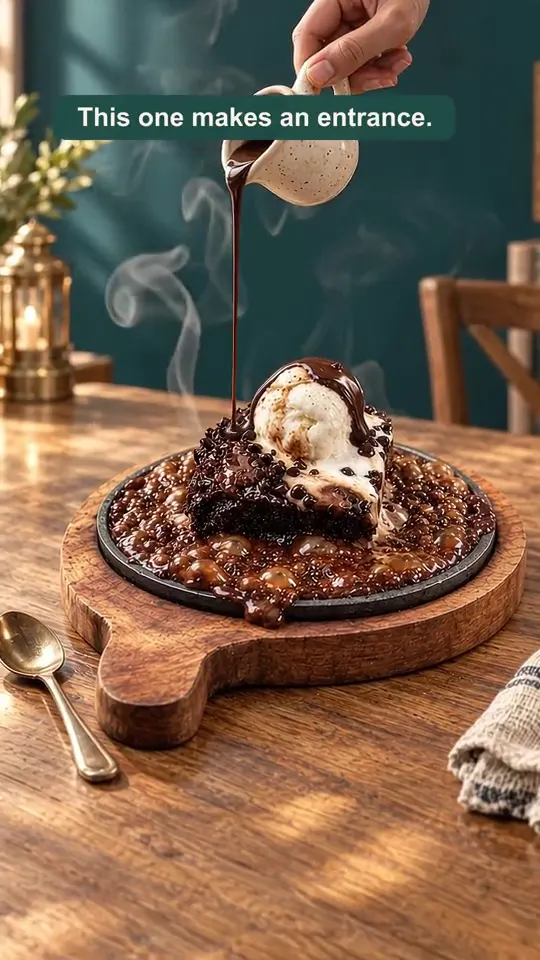
AI creator video
Put a presenter on your product.
Create a UGC-style promo with the Creator Reels workflow in Gloo AI Studio. Bring a real product or dish photo, choose an AI presenter and review the script before generating a vertical clip with your branding and outlet information.
Creation opens in Gloo AI Studio.
From the showcase
See it in action.
Explore Studio samples and finished pieces by the Gloo team.
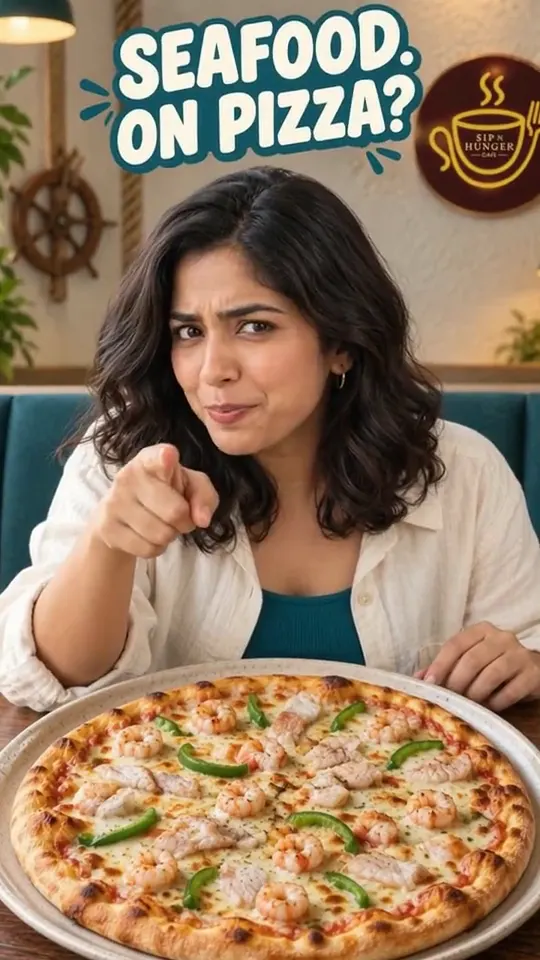
What you get
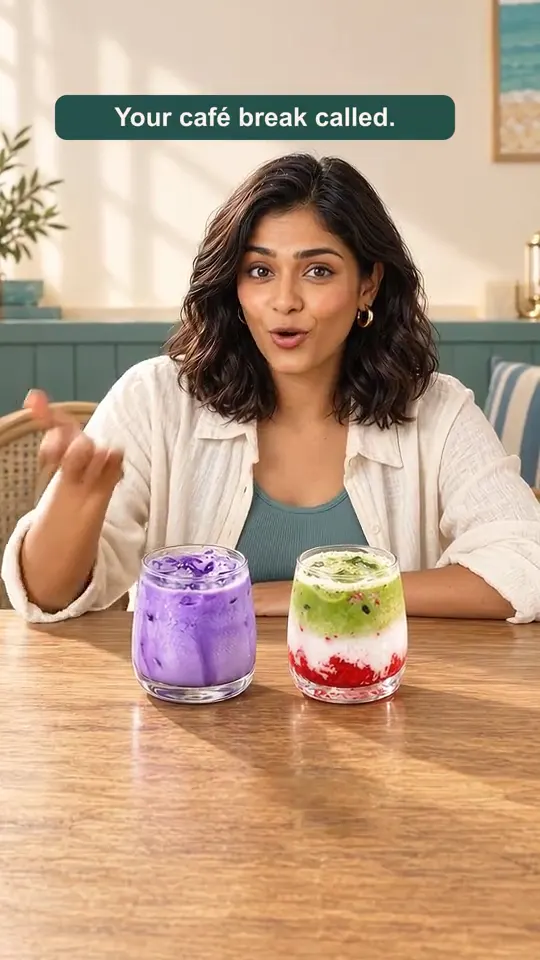
- A generated presenter clip based on a product or dish photo
- A script and caption to review
- A branded vertical video for short-form social content
Who it's for
- Restaurants and cafés
- Introduce a drink, dessert or signature dish on camera.
- Local shops and services
- Explain what you sell in a short presenter-led demo.
How it works
Three steps. That's it.
Choose the product
Add a real photo and a short list of factual details the presenter can use.
Review the script
Check every claim and choose a delivery style that fits your business.
Watch the result
Check the speech, product detail and outlet information before posting with appropriate AI disclosure.
Good to know
- Frame the script as a product introduction.
- Use the caption for exact prices and conditions.
- Disclose that the presenter is AI generated.
Questions
Before you start.
The presenter is AI generated. Use it for a disclosed promotional clip and use genuine customer feedback for testimonials.
Yes. The Creator Reels workflow starts with a product, dish, drink or service photo.