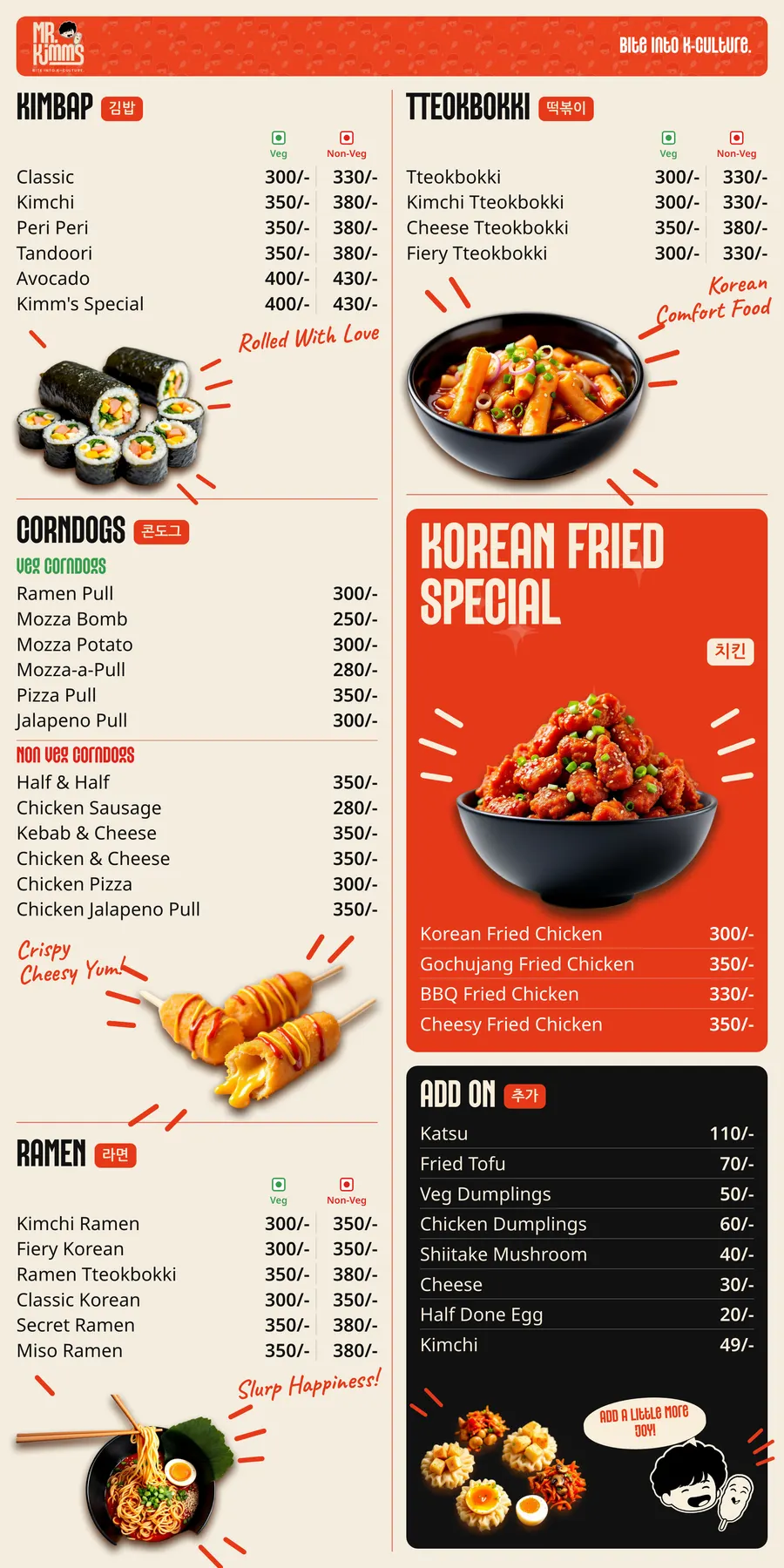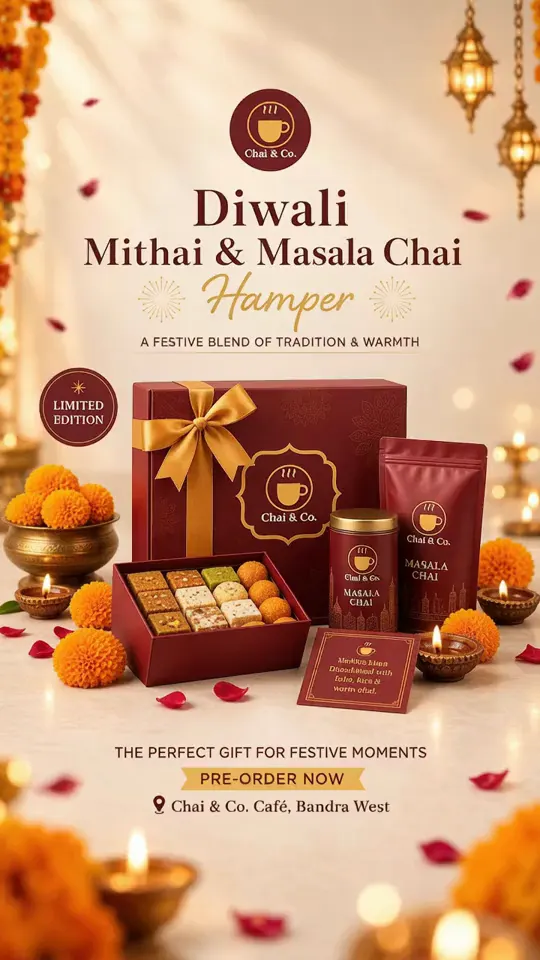
Restaurant poster design
Your next special deserves a poster.
Use the restaurant poster maker in Gloo AI Studio to design a food promotion from a dish photo, your offer and your brand. Create a poster for a new menu item, restaurant opening, café special or weekend deal, then review the artwork before you share it.
Creation opens in Gloo AI Studio.
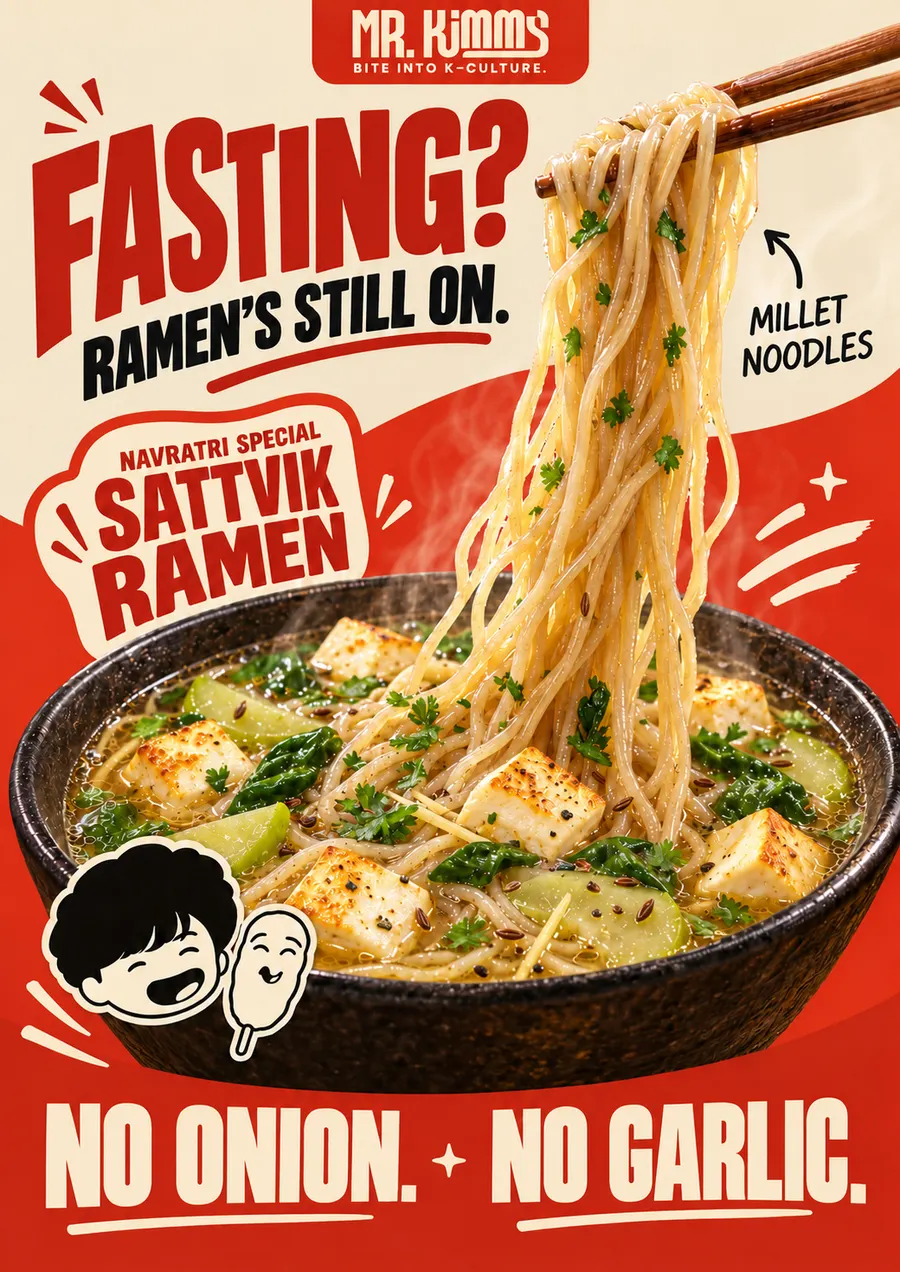
From the showcase
See it in action.
Explore Studio samples and finished pieces by the Gloo team.
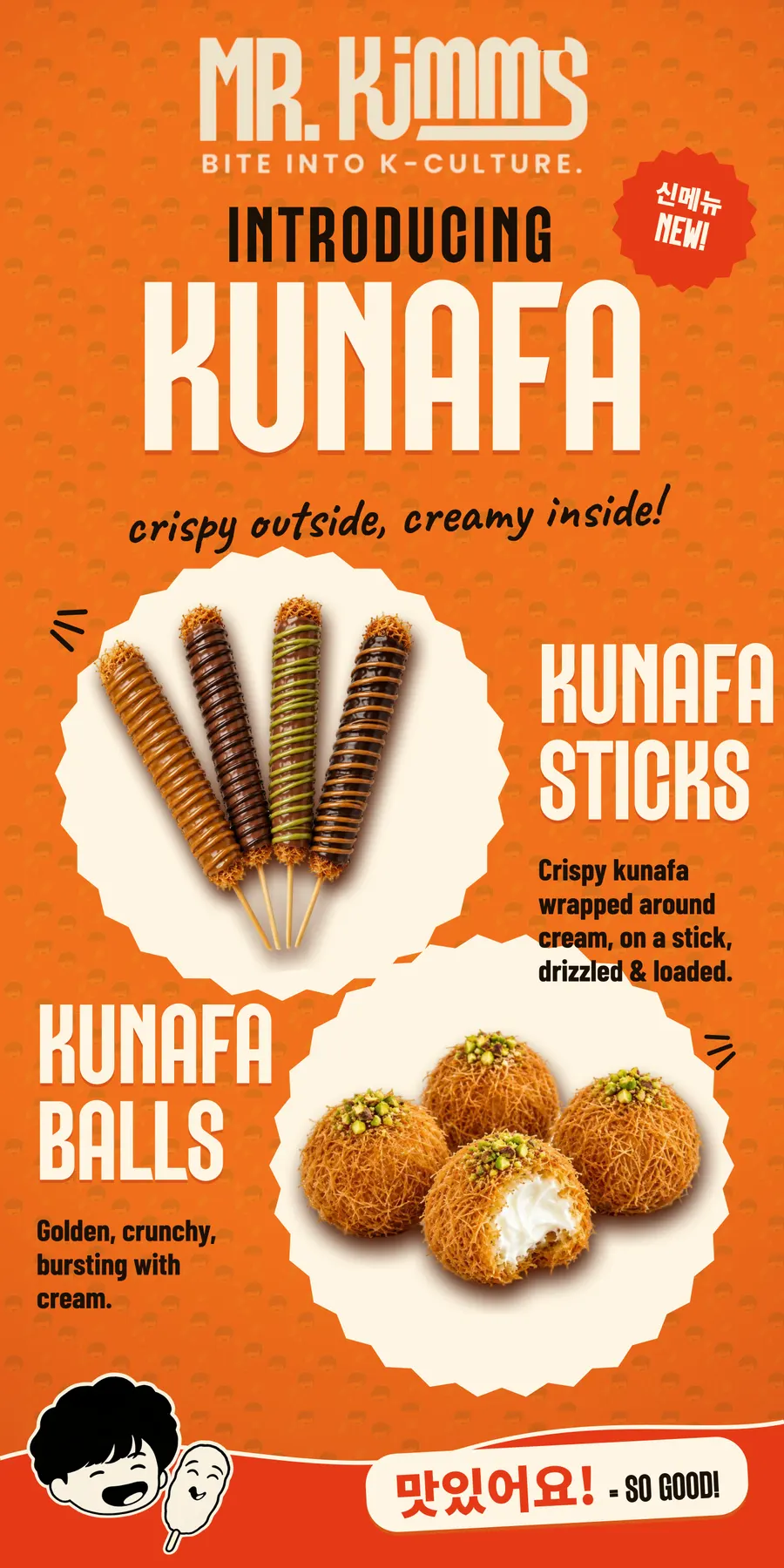
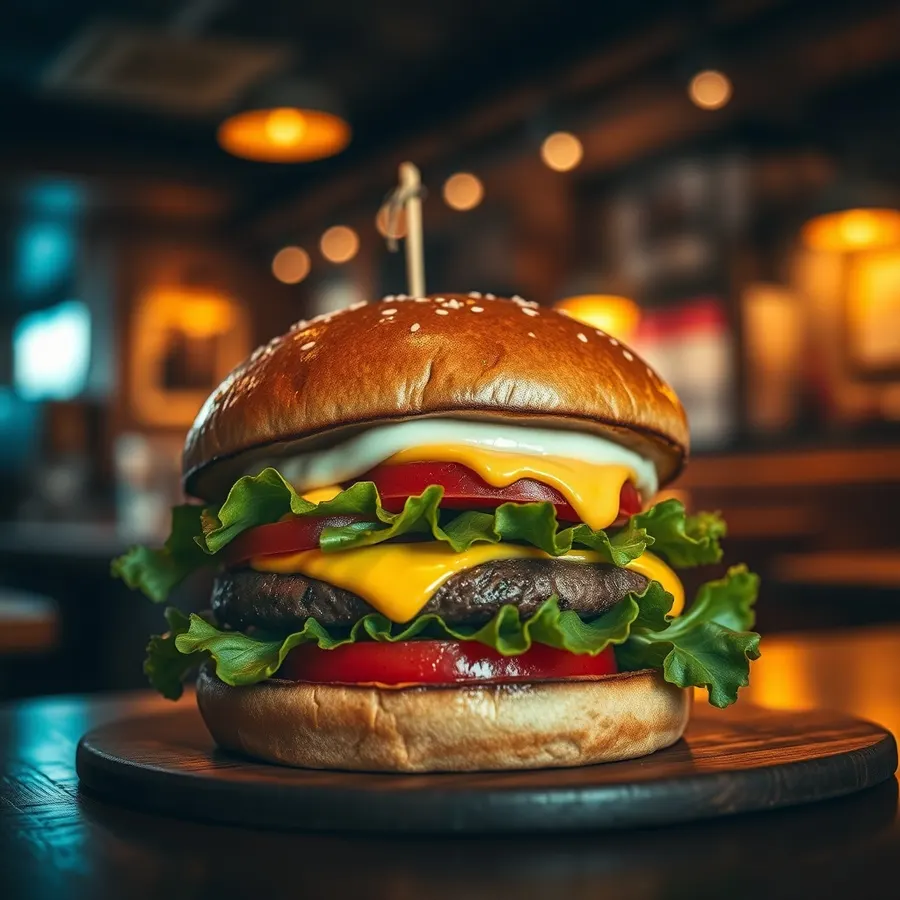
What you get
- A branded restaurant poster concept built around your offer
- Layouts for product launches, opening announcements, specials and festival menus
- A finished image to check and download in Studio
Who it's for
- Restaurants
- Put a signature dish and a clear offer on the same food poster.
- Cafés and bakeries
- Announce a seasonal drink or a dessert range in your own colours.
How it works
Three steps. That's it.
Add the dish photo
Use a clear shot of what you actually serve, plus your logo and brand colours.
Write the offer
Give the exact headline, dates and price. Tell Studio where the design will appear.
Check the artwork
Review the wording, crop and prices on a phone-sized preview before posting.
Good to know
- Use one hero dish per offer poster.
- Make the offer readable before adding garnish, decorative text or a QR code.
- For a larger print run, confirm size, bleed and resolution with your printer.
Questions
Before you start.
Yes. Add the opening date, address and hours you want shown, then verify the details in the final poster.
Yes. Add your own reference assets and describe which colours, product details and text to preserve.
Yes. Start from the approved design and use the animation workflow to make a short Reel or Story.