Instagram carousel maker
One campaign. Make it swipe.
Gloo AI Studio’s Instagram carousel generator turns a campaign brief into a multi-slide post. Introduce a special on slide one, help people choose on the next slides, then finish with the date, outlet or action they need.
Creation opens in Gloo AI Studio.
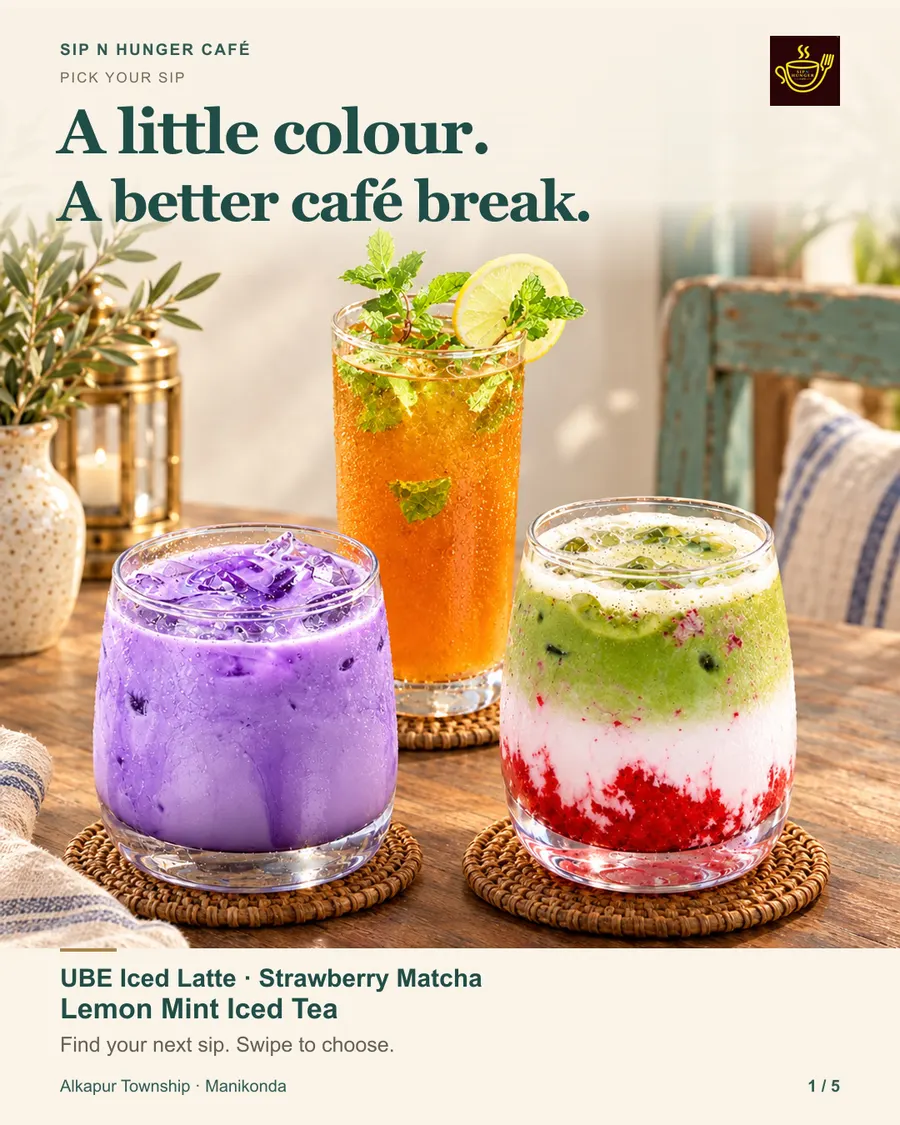
From the showcase
See it in action.
Explore Studio samples and finished pieces by the Gloo team.
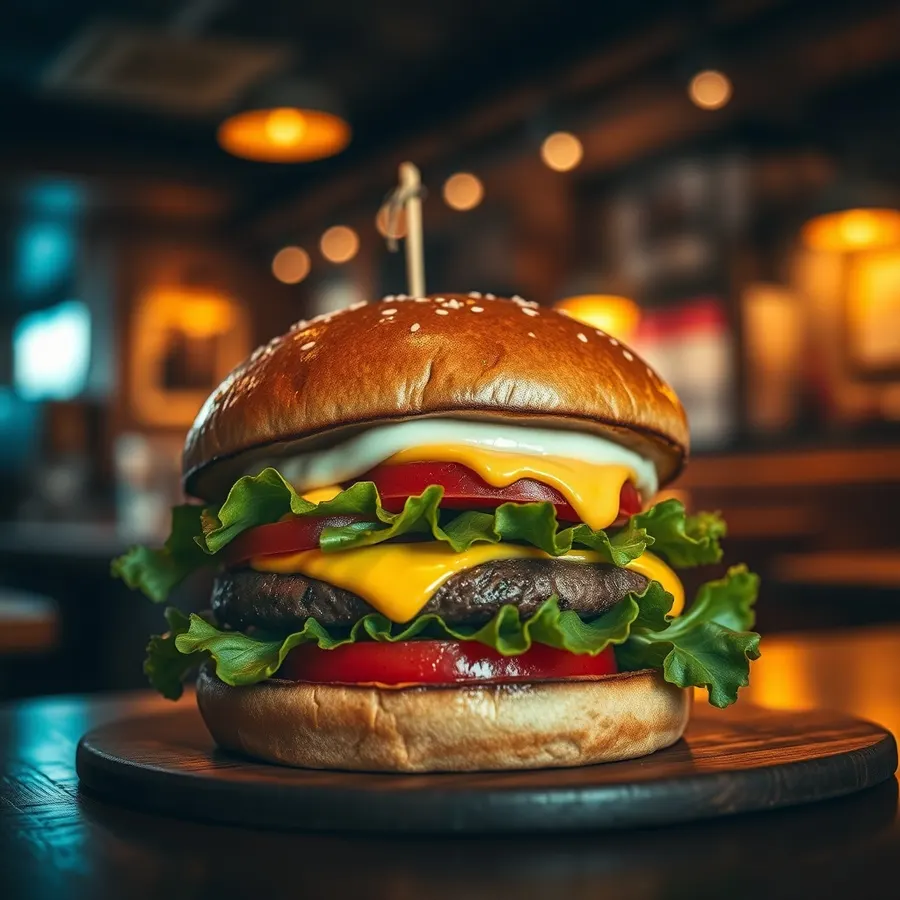
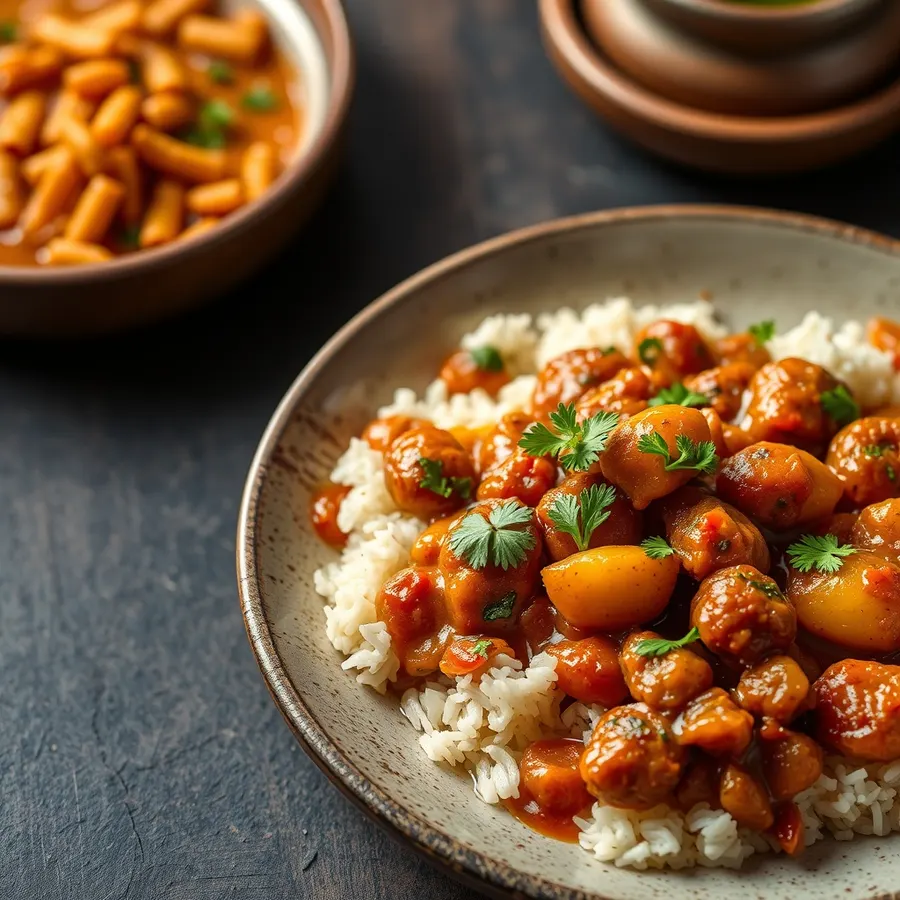
What you get
- A multi-slide story for a menu, offer, collection or service
- Separate images you can review together before publishing
- A visual sequence shaped around your brand and references
Who it's for
- Restaurants and cafés
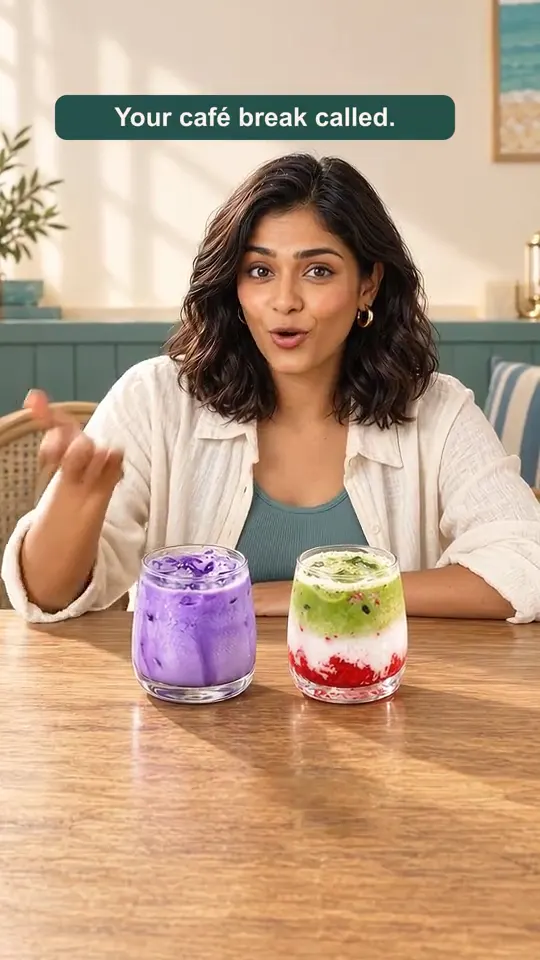
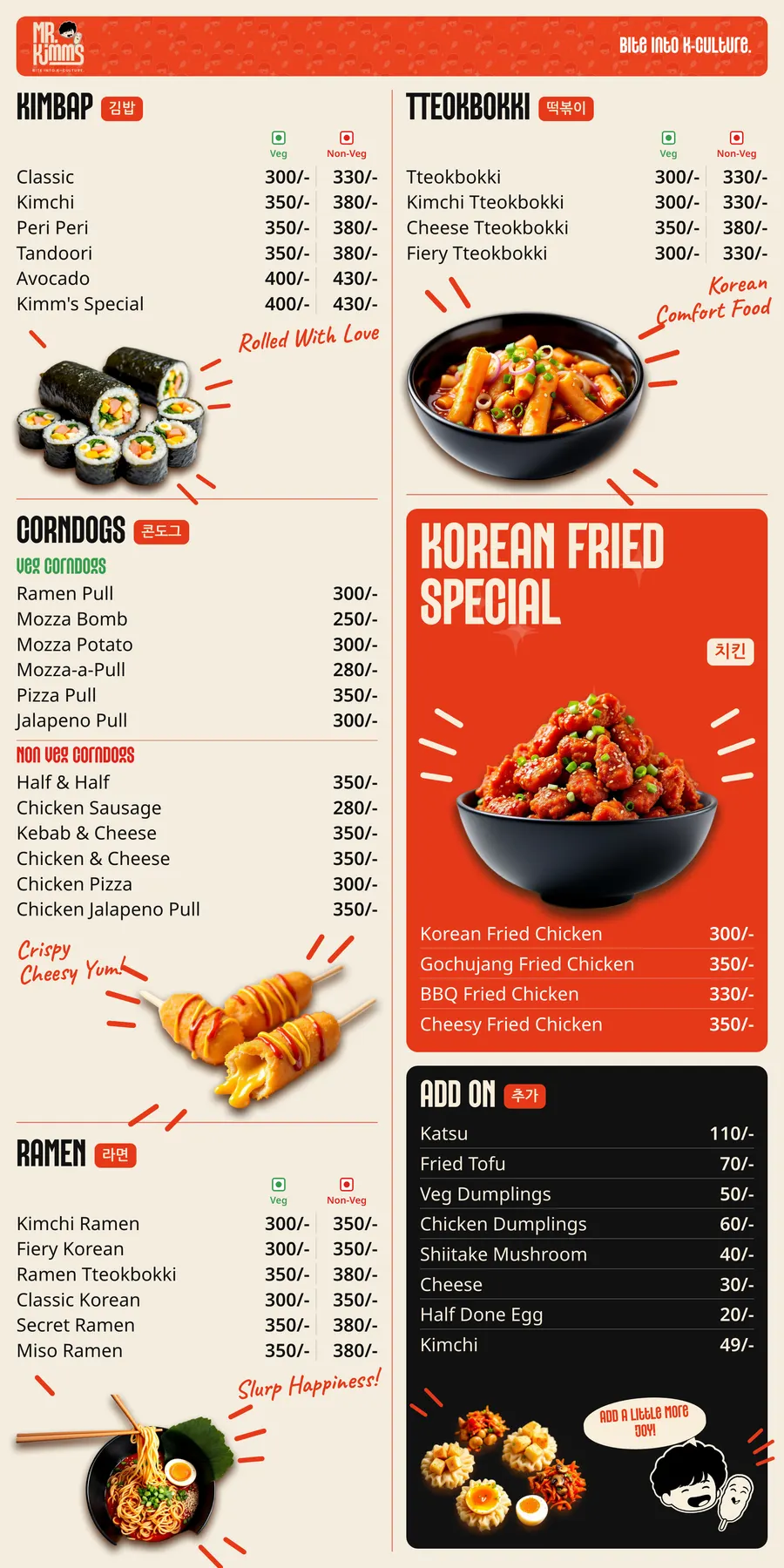
- Give each dish or drink its own frame so people can compare.
- Retailers and salons
- Show a small collection, treatment sequence or service options.
How it works
Three steps. That's it.
Choose one story
Pick a drinks collection, new dishes or a single offer.
Plan the slides
Supply real item names, reference photos and the action for the last slide.
Review the swipe
Check that text, crops and colours stay consistent across the sequence.
Good to know
- Give the first slide a reason to swipe.
- Keep the aspect ratio consistent across slides.
- Put correct terms and availability on the final slide or in the caption.
Questions
Before you start.
Yes. Include the relevant dish, product or brand reference images in the Studio workflow where available.
A carousel is a sequence of images people swipe through. A Reel is a single video people watch.