Digital menu board video
Make your menu board move.
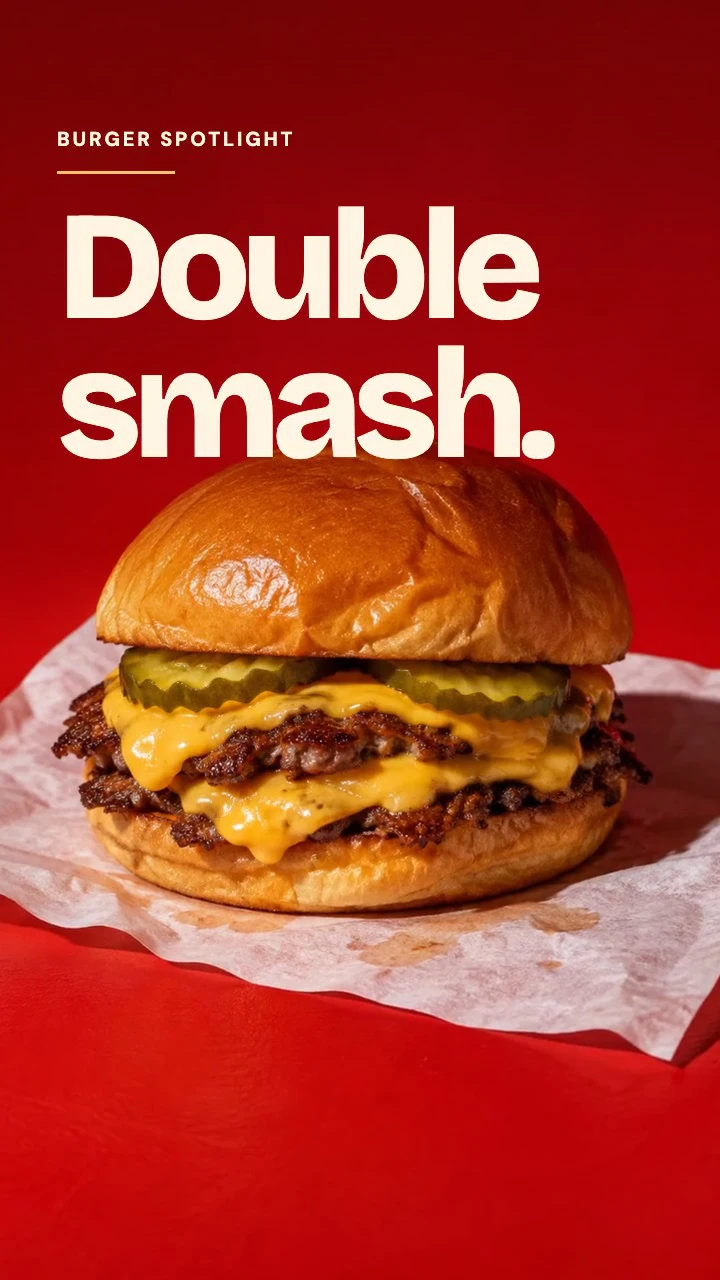
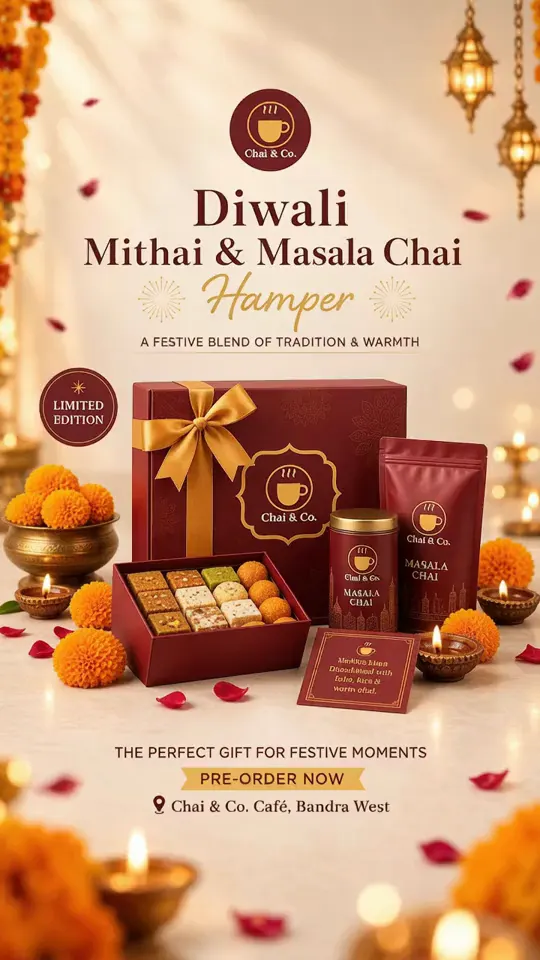
Turn dish photos and menu promotions into animated menu board videos for an in-store TV. Pick a landscape Animated Reels style in Studio to make a dish spotlight or rotating highlight, then add the approved video to your signage playlist.
Creation opens in Gloo AI Studio.
From the showcase
See it in action.
Explore Studio samples and finished pieces by the Gloo team.
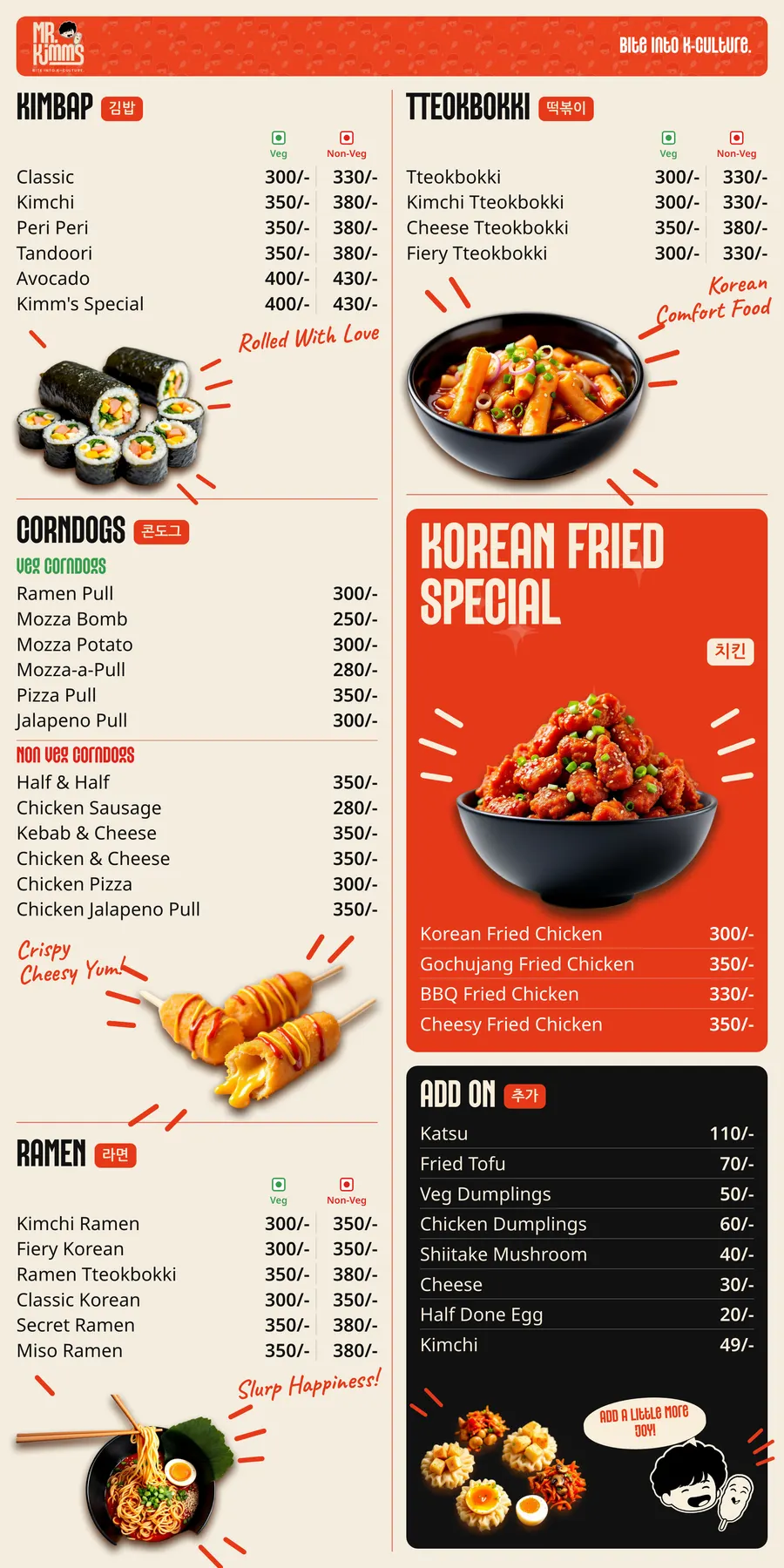
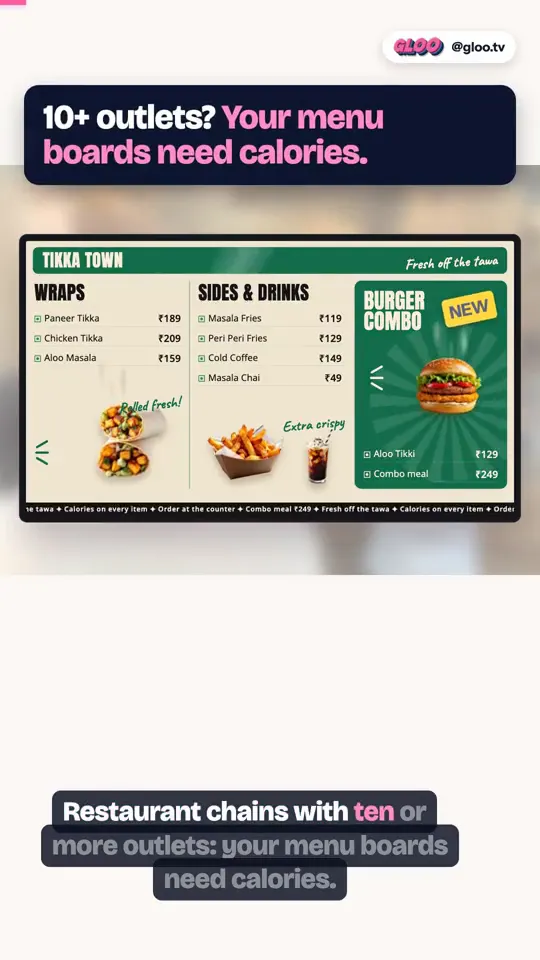
What you get
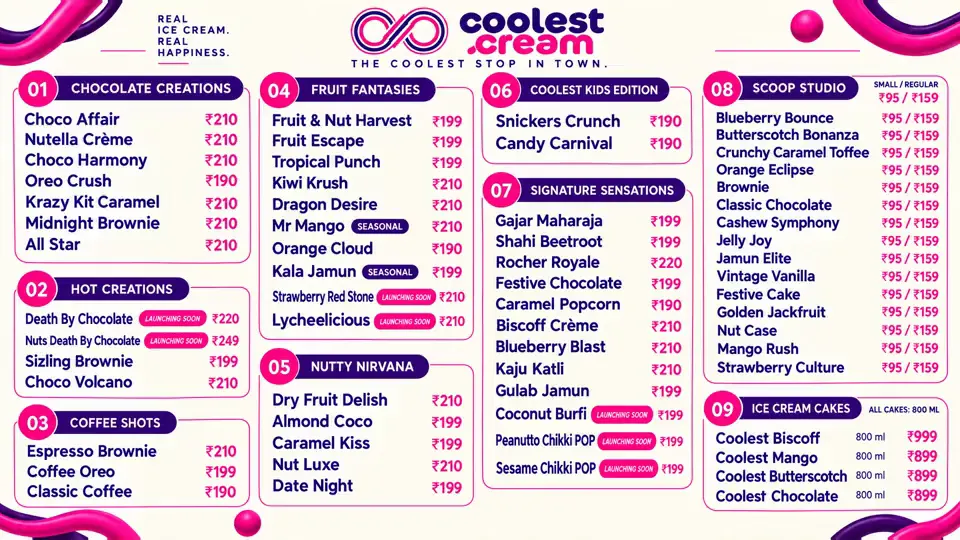
- A landscape preview of the creative for your screen
- Motion effects built around photos and readable large type
- A video asset you can use in a compatible signage playlist
Who it's for
- Quick service restaurants
- Give a featured combo its own screen loop.
- Cafés and dessert shops
- Rotate seasonal items beside the regular menu.
How it works
Three steps. That's it.
Choose a TV style
Select a landscape template that suits your screen and viewing distance.
Add real menu photos
Pick recognisable photos and put the promotion in a few words.
Preview on the screen
Confirm text and price legibility, then load the video into a compatible player.
Good to know
- Make the main message readable at the counter.
- Keep important information inside the screen edges.
- Design for silent playback.
Related Gloo tools
GlooTV restaurant menu boardsQuestions
Before you start.
Choose a landscape version for landscape screens. The TV styles in Studio are designed for silent in-store playback.
GlooTV handles screens and playlists. This page covers creating the content you can put on them.